Proven remote visual inspection software · Delivered with implementation
See the problem before you send someone.
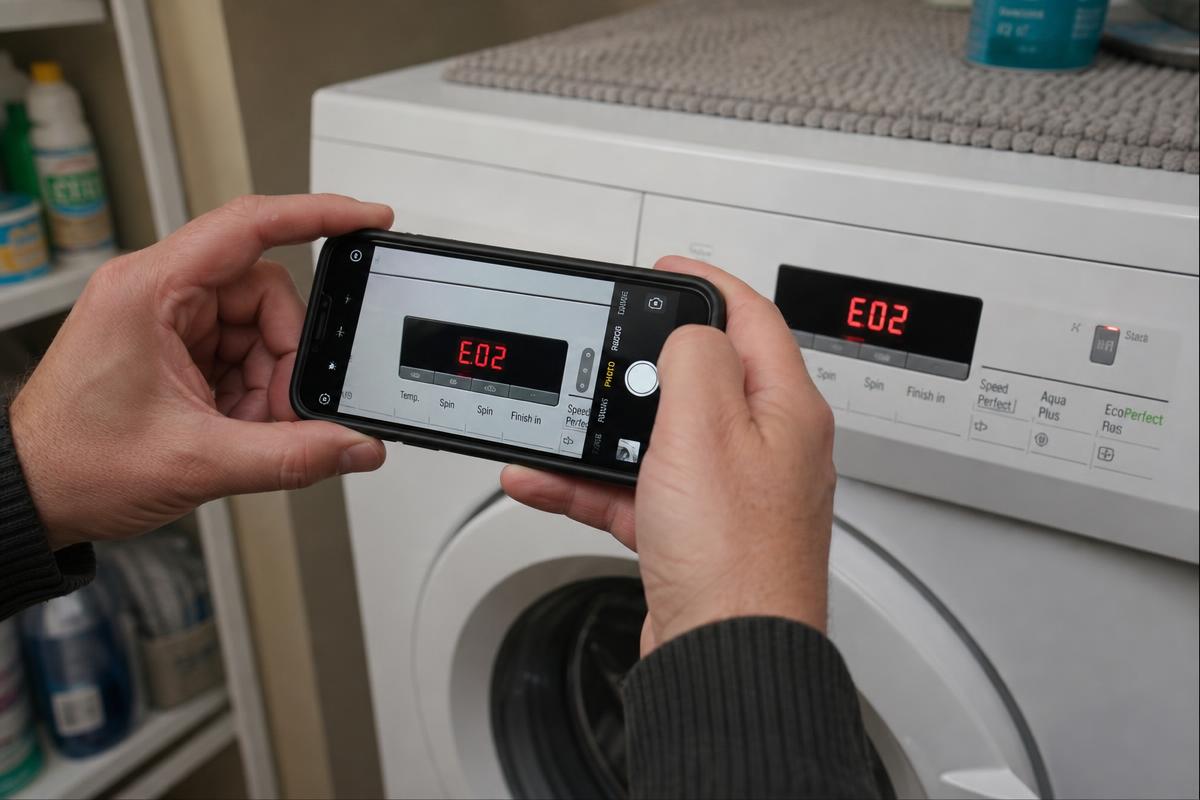
Proven guided video capture software for field-service operations, implemented around your process. Customers capture the problem before dispatch, technicians capture the work on site, and video, photos, questions and checklists stay together in one structured service case. Customers film the fault before dispatch — you decide with the evidence in front of you.
No app.No account.No video call.
Licensed software, configured, connected to your systems and rolled out with your team. Built for service organisations worldwide — field service, equipment service, energy, HVAC, automotive, industrial maintenance and technical support.
Service case #4821
Unit stopping after approx. 15 minutes
- Customer
- Martin Lewis
- Location
- Unit 14 — Manchester
- Asset
- Commercial heat pump
- Serial
- HP-84923
- Fault code
- E07
- Owner
- Remote support desk
Recommended next action
Technician visit required — bring circulation pump and temperature sensor
Two directions of video
Two workflows. One service operation.
Video comes in from the customer before you dispatch, and out from the field team while the job is still open. They are deliberately kept apart.
Before the visit
Customer → Service team
See the problem before dispatch.
Send a secure link. The customer follows guided steps and records the fault from their own phone — no app, no account, no video call.
Send linkGuided captureReviewDecide
Possible outcomes
- Resolve remotely
- Request more information
- Prepare technician
- Dispatch correctly
During the visit
Field team → Head office
See what happened on site.
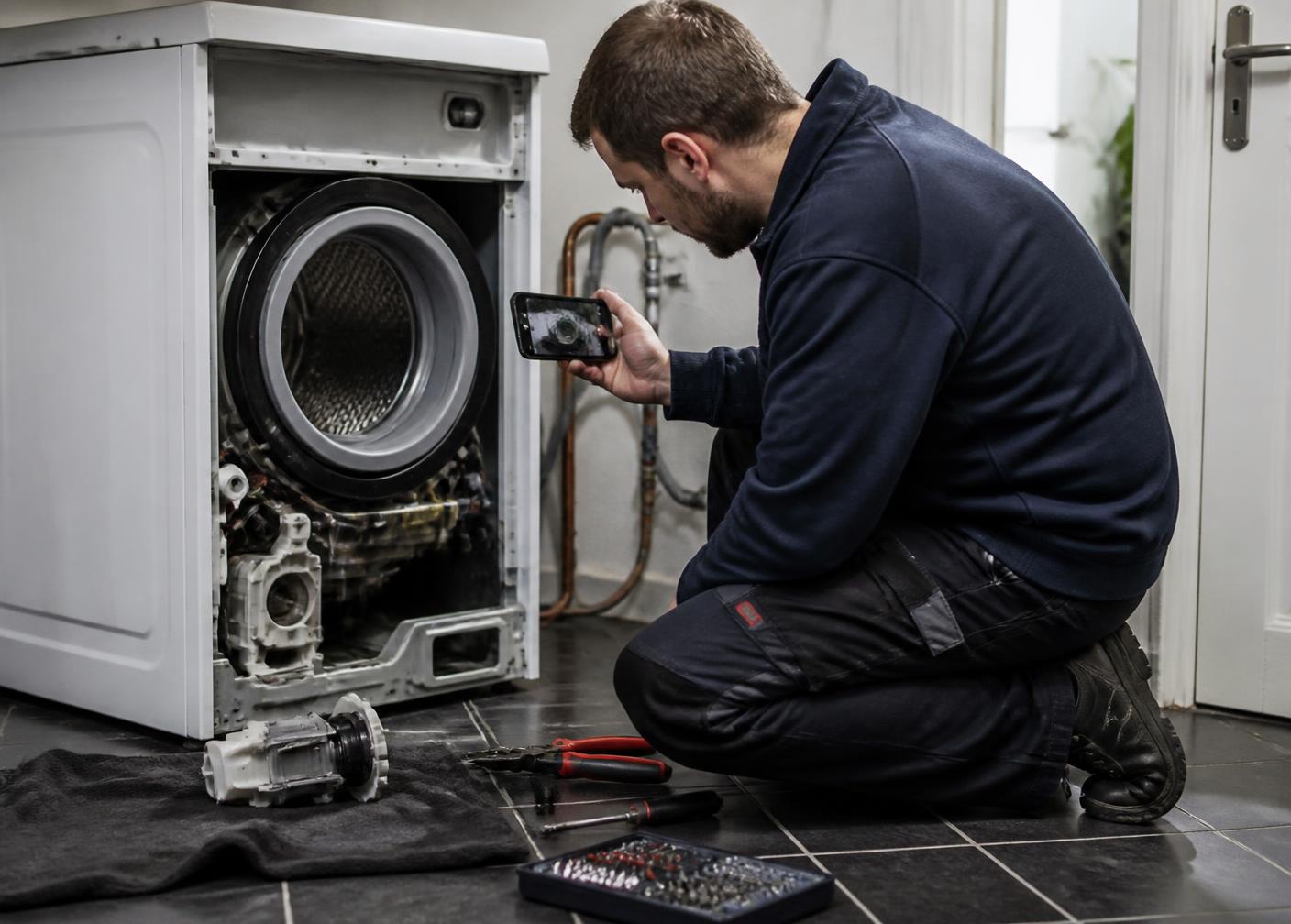
Technicians capture guided video, photos and checklist responses while still standing in front of the job.
Capture updateChecklistBefore & afterCompletion recordReview
Possible outputs
- Job status
- Fault documentation
- Work performed
- Completion notes
- Quality review
- Escalation
Software and implementation for field-service organisations worldwide
- Field Service
- Technical Support
- Maintenance
- Facilities
- Aftersales
- Equipment Service
The difference
Live remote assistance requires both people to be available at the same time. Service Video Experts does not.
- A customer, operator or technician receives a link.
- They capture the requested evidence when convenient.
- The service team reviews the structured case afterwards.
Where the workflow is used
- Pre-dispatch triage
- Remote diagnosis
- Equipment identification
- Technician support
- Inspection
- Proof of completion
- Quality control
- Warranty documentation
- Claims documentation
How it works
Send. Guide. Capture. Review. Decide.
One simple sequence, whether the video comes from a customer before dispatch or from a technician on site.
- 01
Send
A secure link reaches the customer, site contact or technician.
- 02
Guide
Your workflow tells them exactly what to record and answer.
- 03
Capture
Video, photos and answers are recorded in the phone browser.
- 04
Review
The structured case reaches your service team for assessment.
- 05
Decide
Resolve remotely, request more evidence or dispatch prepared.
Why it matters
Better information before dispatch means better decisions before anyone travels.
Without structured visual information
- Unclear fault descriptions
- Repeated telephone calls
- The wrong technician
- Missing parts
- Unnecessary visits
- Incomplete records
With Service Video Experts
- See the actual condition
- Triage before dispatch
- Prepare the correct technician
- Identify the required parts
- Request missing evidence
- Retain a structured record
Business outcomes
What service organisations are trying to improve.
These are the operational outcomes guided video is used to support. The result depends on your own workflows, volumes and service mix.
Better triage before dispatch
Assess the actual condition and decide what the visit really needs — or whether it is needed at all.
Fewer unnecessary visits
Cases that can be resolved with instructions, a part or a warranty decision never become a truck roll.
Better first-time fix
The technician arrives knowing the asset, the fault and the evidence already collected.
The right technician, the right parts
Skill level and parts are matched to what was actually seen, not to what was described on the phone.
Faster time to diagnosis
Evidence arrives with the request instead of after several calls and a first exploratory visit.
Documentation and quality control
Before-and-after evidence and completion records stay attached to the case for warranty, claims and review.
What your service team receives
More than a video. A structured service case.
Video, photos, equipment details, answers, checklist responses, notes, owner and status arrive together — so the next decision is made on complete information.
- Customer / site
- Equipment / asset
- Serial number
- Reported issue
- Fault or warning code
- Guided video
- Required photos
- Customer answers
- Checklist completion
- Technician notes
- Case status
- Recommended next action
Illustrative workflow view
Customer
Case #4821
Equipment
Washing machine
Submitted
Today, 09:14
Owner
Coordinator
Customer video · 0:48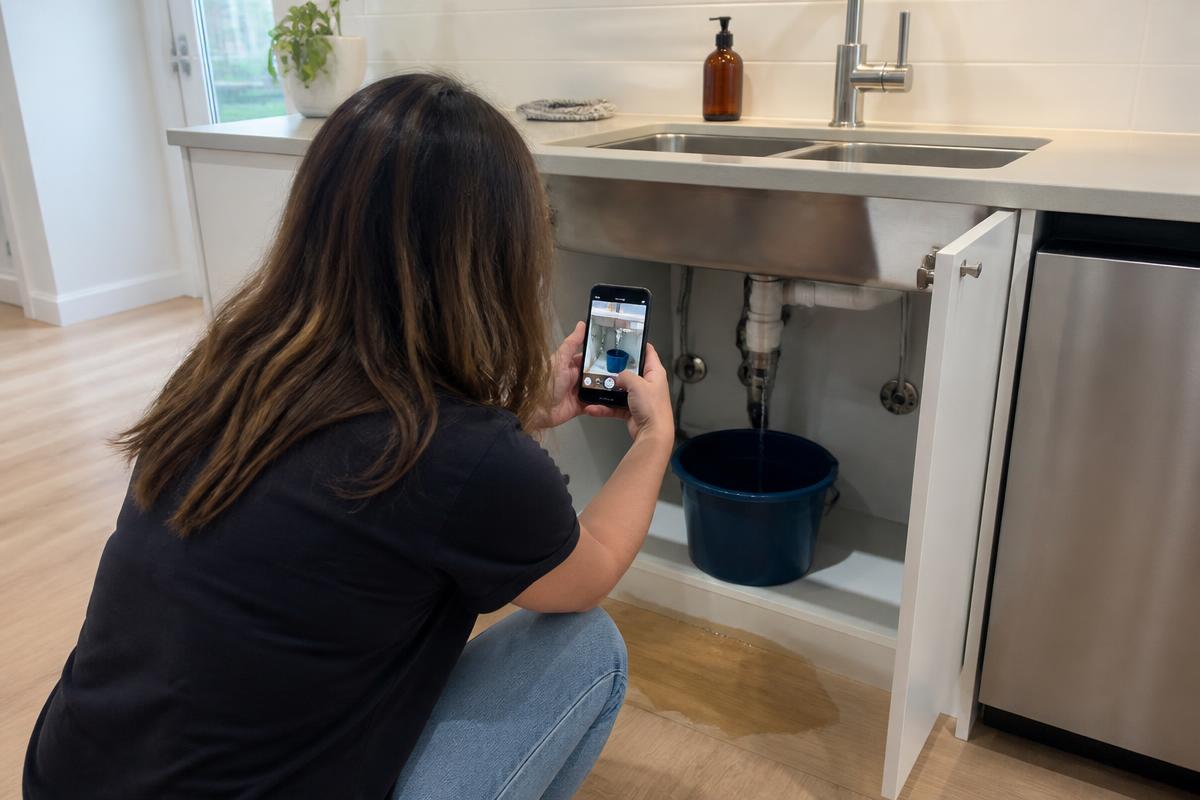
Answers
Problem started: this week
Error shown on display: yes
Checklist
- ✓ Equipment shown
- ✓ Fault filmed
- · Surrounding area pending
Internal note
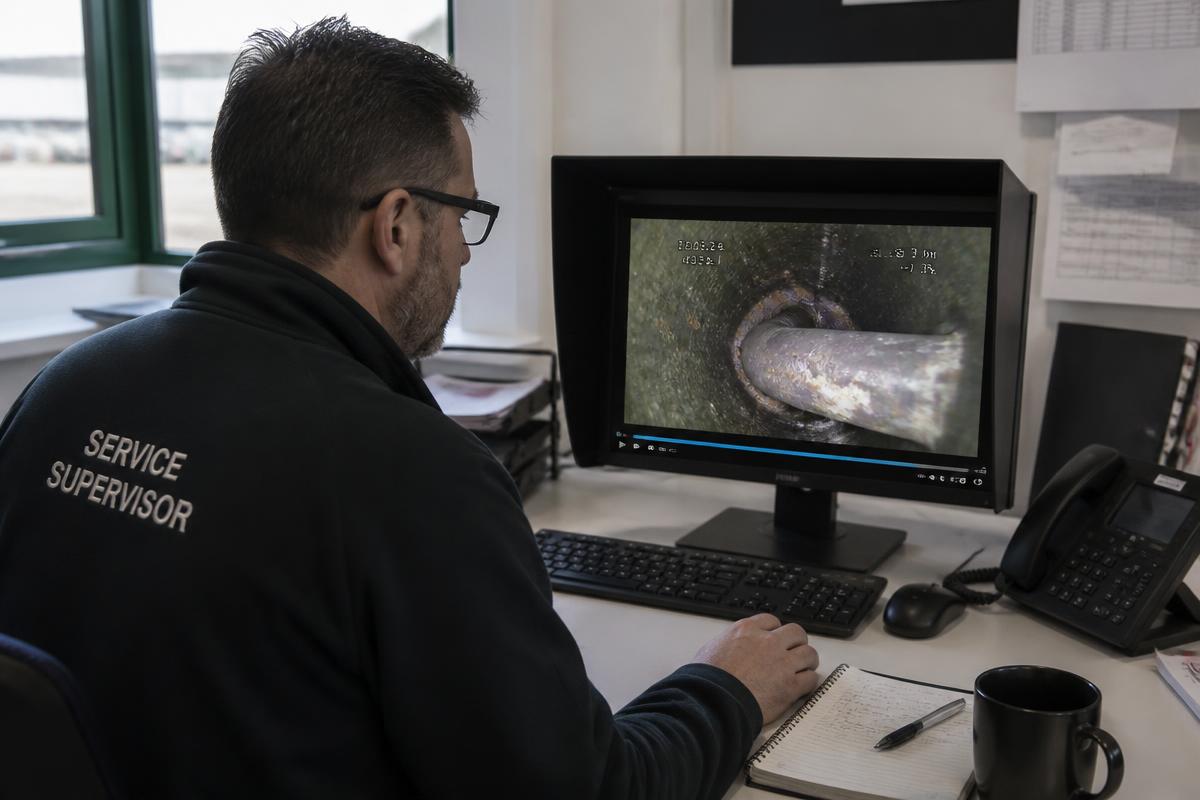
Looks like a drain filter blockage — check part availability before dispatch.
Everything your team needs to review, route and act on — kept together in one structured case.
Capture
Capture the evidence your service team actually needs.
Your organisation defines the required steps. The person on site simply follows them — in a normal phone browser, with no app and no account.
Asynchronous vs live
Remote visual assistance without the remote session.
A live remote-assistance session requires both people to be available at the same moment. Here, the customer, site operator or technician captures guided evidence when convenient and the service team reviews it afterwards.
| Capability | Guided asynchronous video | Traditional live remote assistance |
|---|---|---|
| Both people needed simultaneously | No | Usually |
| Scheduling required | No | Usually |
| Customer app required | No | Sometimes |
| Structured required evidence | Yes | Varies |
| Evidence can be reviewed later | Yes | Limited / varies |
| Suitable for pre-dispatch intake | Yes | Yes, but live |
A general comparison of the two approaches, not a comparison of specific products.
Customer video
See the issue before you dispatch.
No app. No account. No video call.
Just a guided link that tells the customer exactly what your service team needs to see. The customer records when convenient. Your team reviews before deciding what happens next.
How it starts
- Service request
- Select workflow
- Send secure link
- Customer opens — no login
- Guided capture
- Service team reviews
- Decide next action
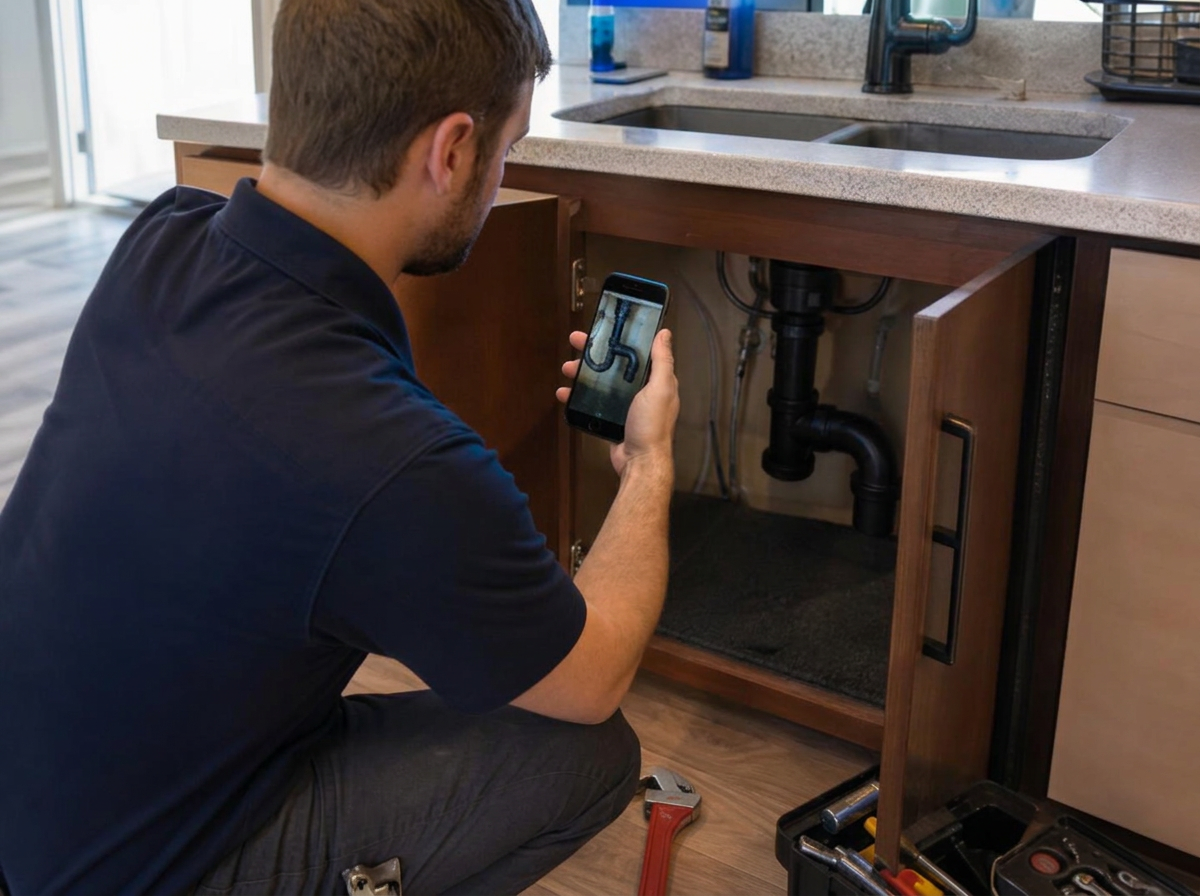
Field service video
The job should not disappear when the technician drives away.
Capture the condition found, the work performed and the condition left while the technician is still standing in front of it.
- ✓Arrival condition
- ✓Fault captured
- ✓Checklist complete
- ✓Work performed
- ✓After video
- ✓Completion evidence
Guided capture
The value isn't the video. It's knowing what to capture.
Your organisation defines the required steps, angles, questions and evidence — so every case arrives complete, instead of whatever someone decided to send.
Ordinary photo or WhatsApp request
- Sender decides what to capture
- Important angles may be missing
- Information arrives across multiple messages
- Every case is different
- Follow-up is often required
Guided service video
- You define what needs to be captured
- Customer follows clear steps
- Video, photos and answers stay together
- Repeatable workflow
- Structured service case
- Better-informed next decision
Industries
Field service · Equipment service · Industrial maintenance · Energy · HVAC · Automotive · Technical support
Guided video works wherever a technical problem has to be understood before someone travels. Illustrative example workflows by sector — not customer case studies.
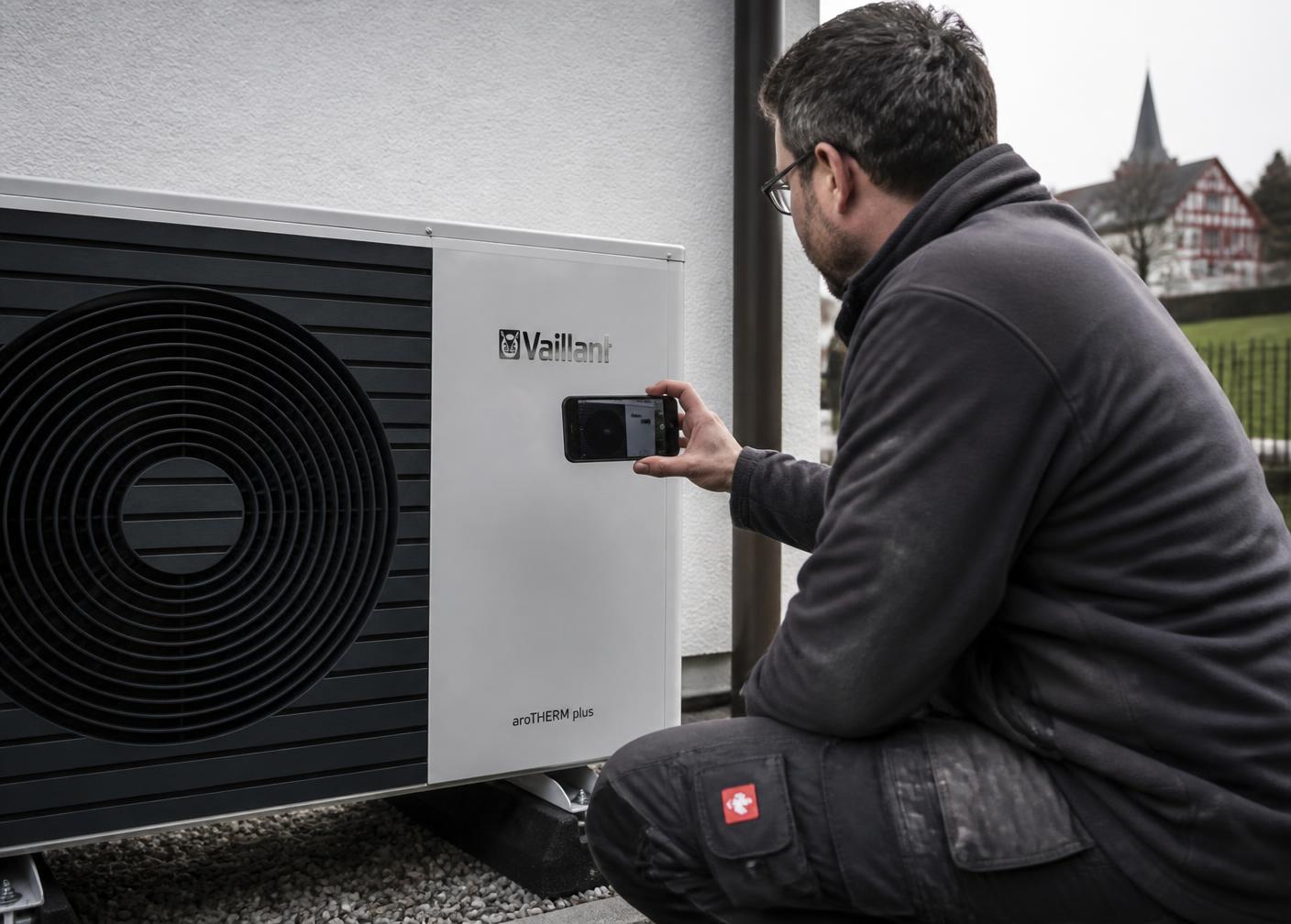
Field Service
Field-service operations make dispatch decisions from a short phone description. Guided video replaces that description with what the service team actually needs to see.
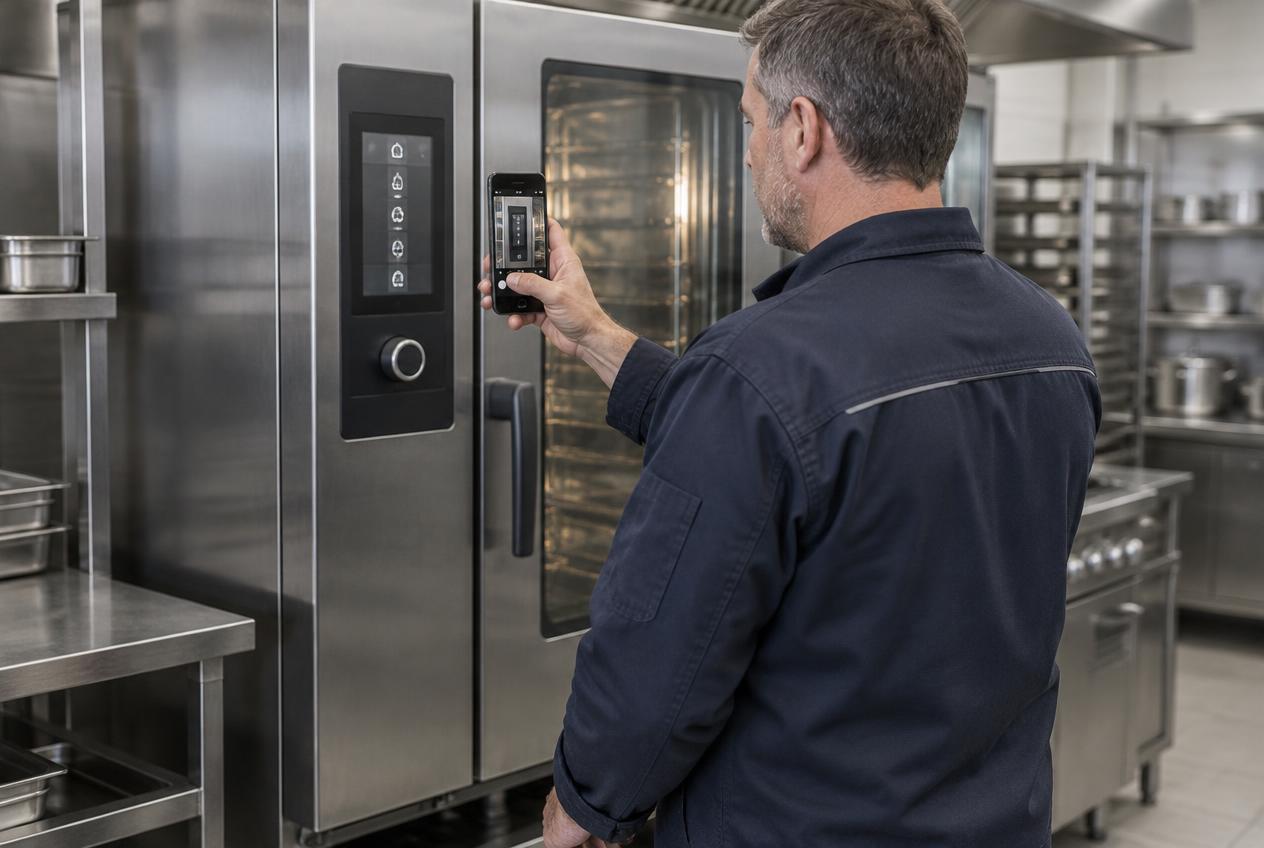
Industrial Equipment Service
Industrial equipment faults are hard to describe over the phone. A guided recording from the operator gives the technical team the machine, the code and the condition in one case.
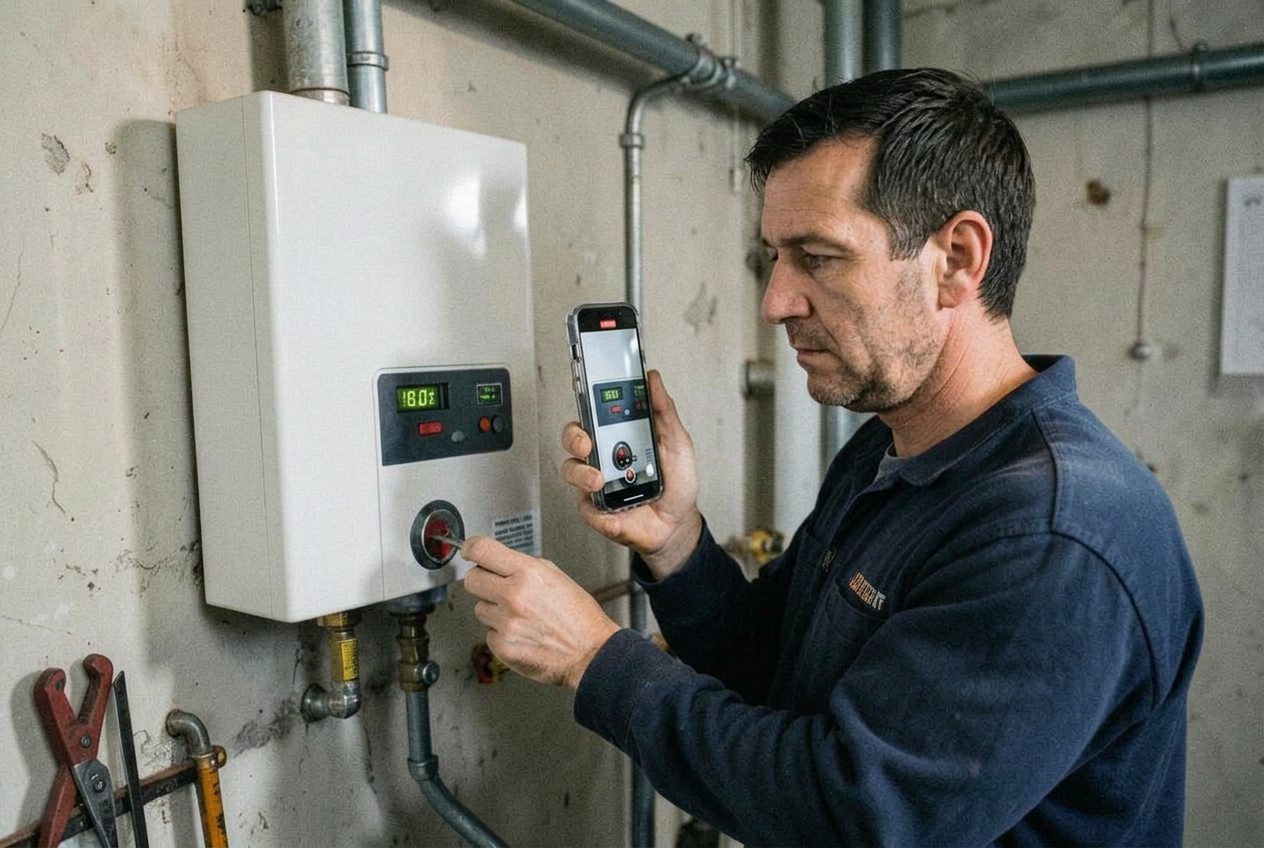
HVAC Service
Most heating and cooling call-outs turn on details that are easy to show and hard to describe: an error code, a noise, a pipe run, a flashing light.
Renewable Energy Maintenance
Renewable assets are distributed, often remote, and expensive to visit. Seeing the fault before travelling changes the economics of every call-out.
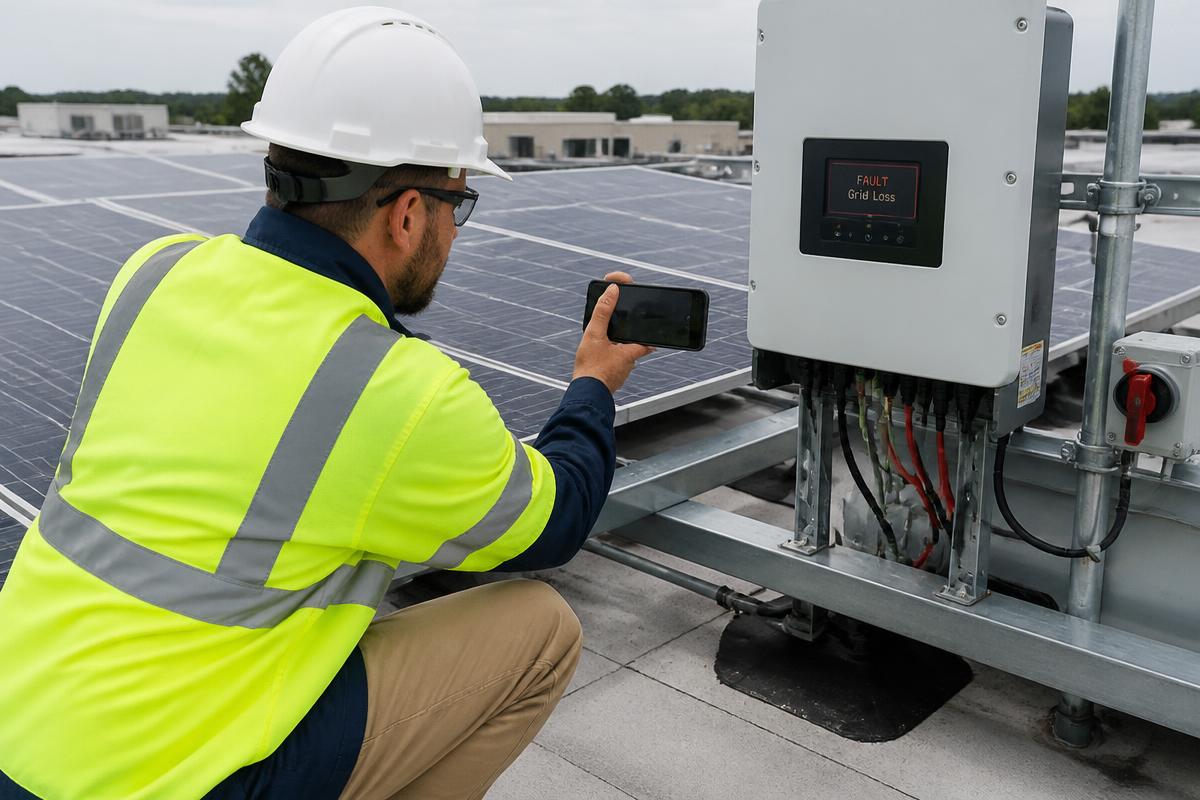
Solar Maintenance
Most solar service calls begin with an inverter fault code and a monitoring alert. A guided recording turns that into something the technical team can actually assess.
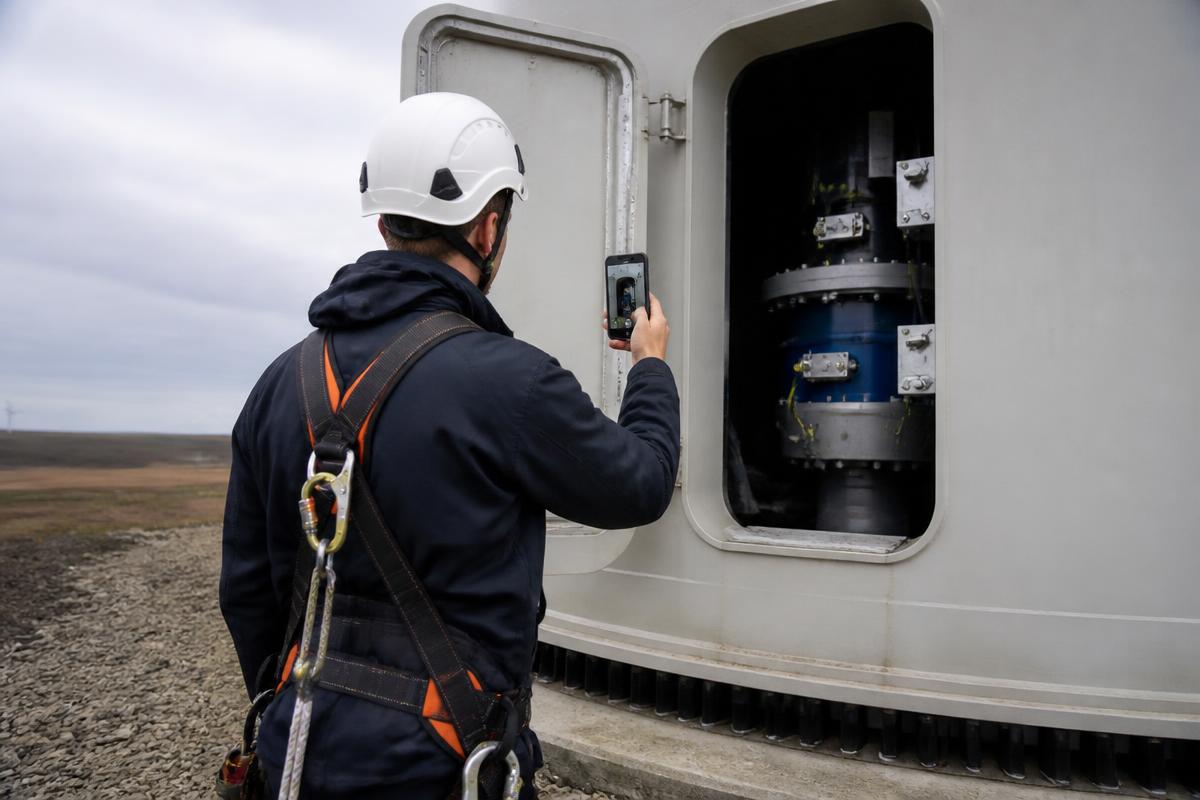
Wind Energy Maintenance
Turbine service is expensive to mobilise and difficult to observe. Structured video from the tower gives specialists a reliable view without another climb.
Construction Equipment Service
Machines sit on active sites with tight schedules. The faster the service team can see the fault, the faster the machine is back in use.
Material Handling Service
Warehouse equipment faults are reported quickly and described briefly. A guided recording adds the detail that determines the right response.
Agricultural Equipment Service
During harvest or sowing, a machine standing still costs more than the repair. Seeing the fault first shortens every step that follows.
Medical Equipment Service
Clinical equipment must be returned to use quickly and documented carefully. Guided capture supports both without adding work for clinical staff.
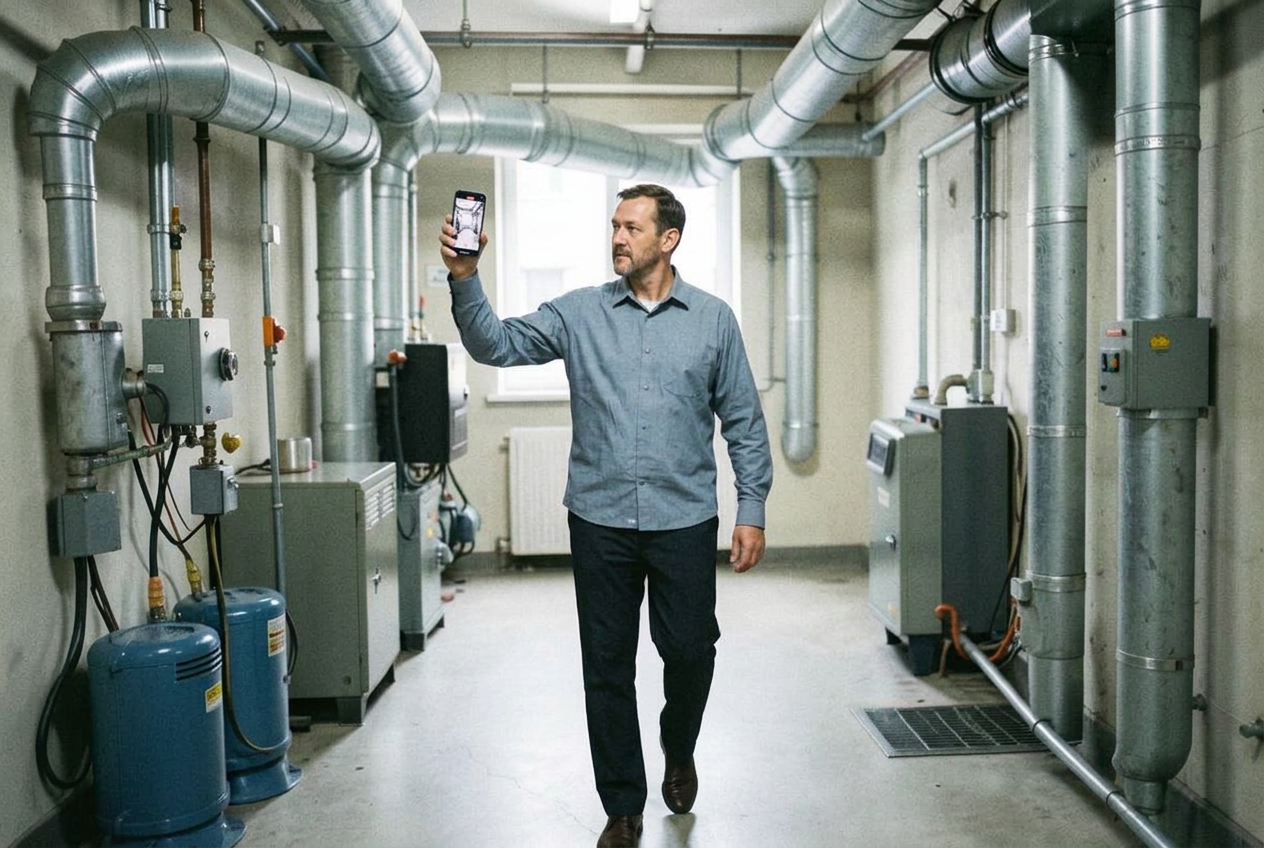
Facilities Maintenance
Facilities teams receive reports from people who are not technical. Guided capture turns those reports into something a planner can act on.
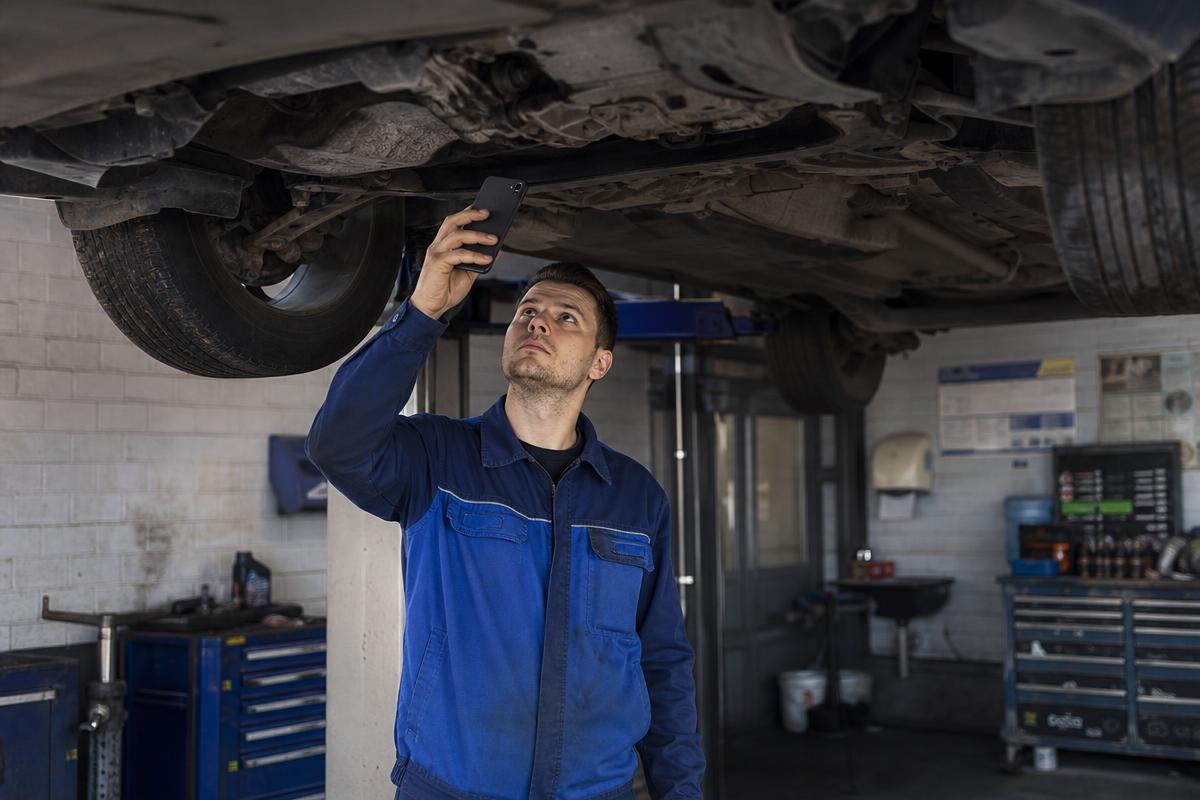
Automotive Service
Automotive is one of several sectors where guided video works well — before the vehicle arrives, and while the work is being carried out.
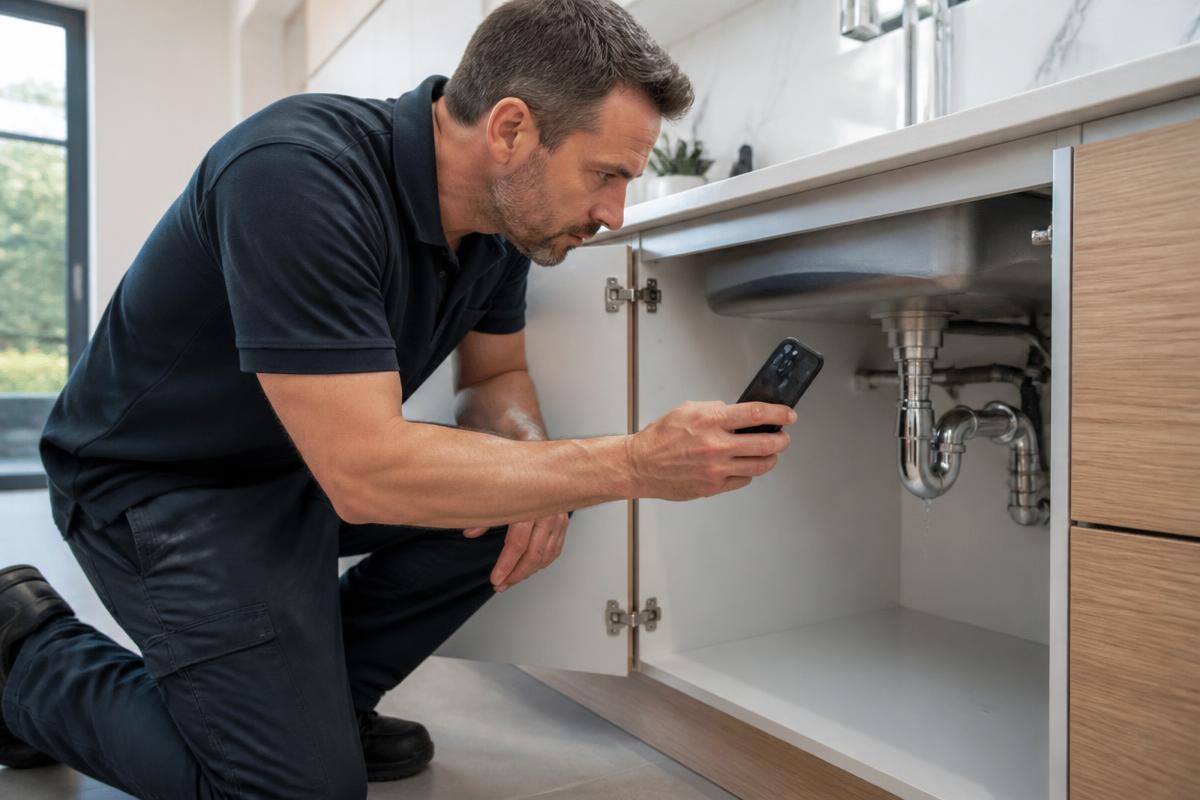
Plumbing & Drainage
Most plumbing call-outs are booked from a short description. A guided recording shows the service desk where the water is coming from, what has already been shut off and what the engineer will need.
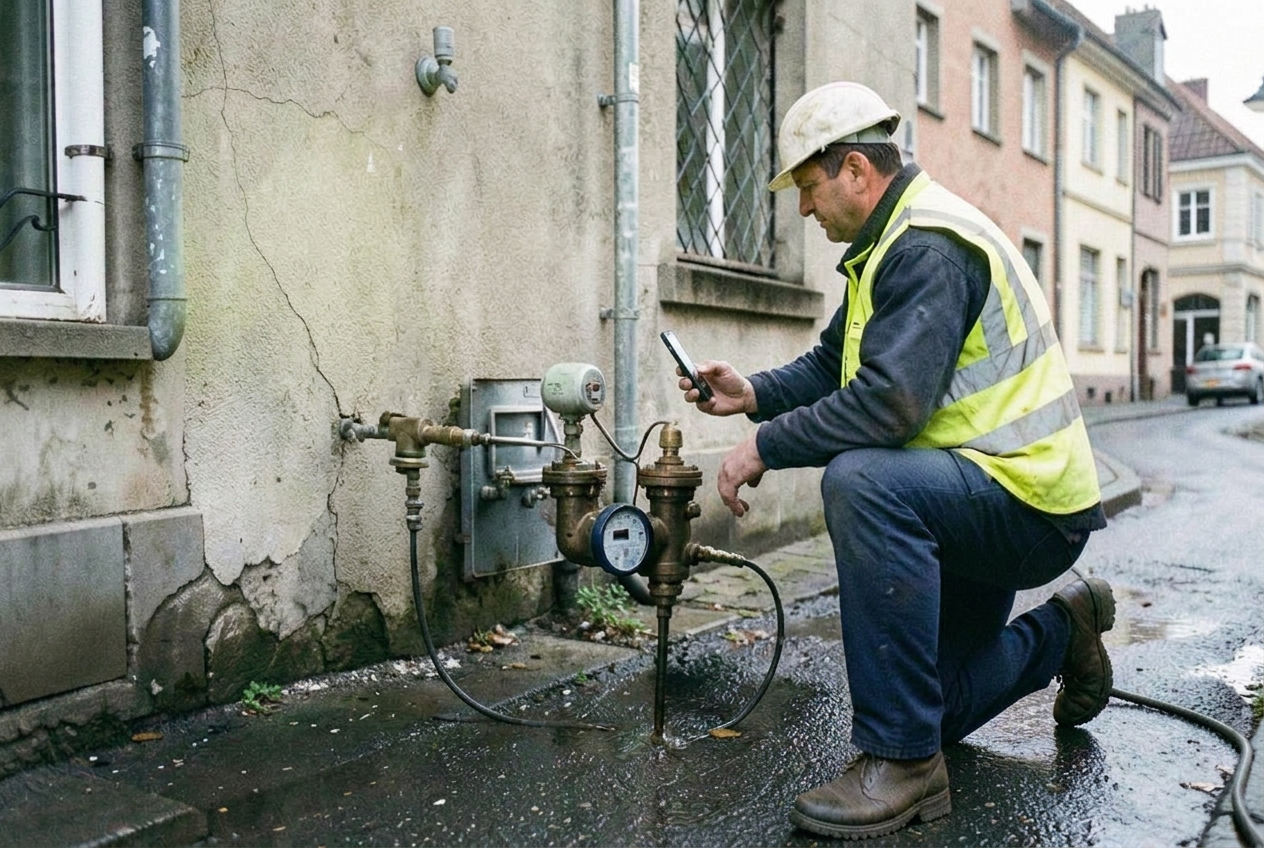
Water Utilities
Network incidents are reported from many sources and prioritised with very little visual information. Guided capture gives the control room the same view as the person standing at the site.
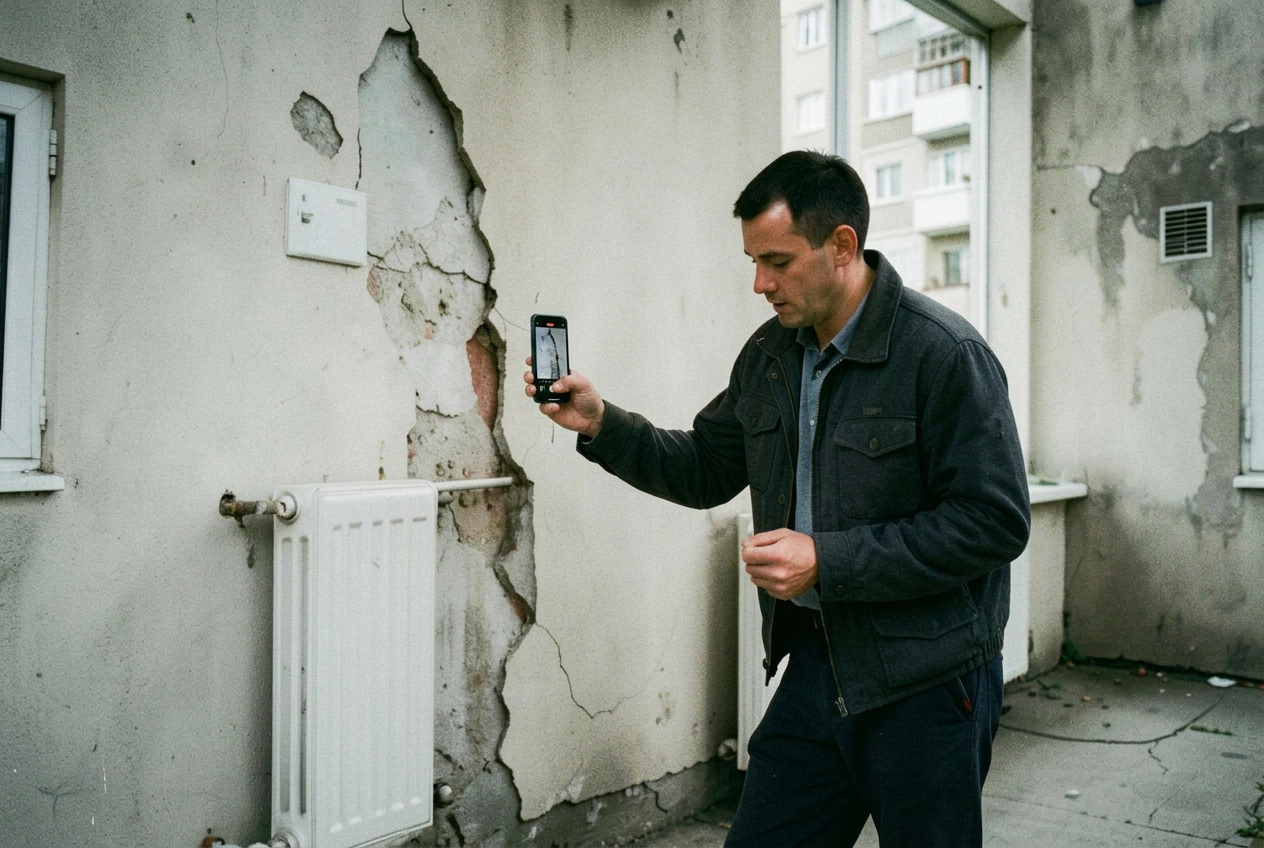
Property Maintenance
Repairs reported by tenants are hard to categorise. A short guided recording shows the property team what the fault actually is, and which trade should attend.
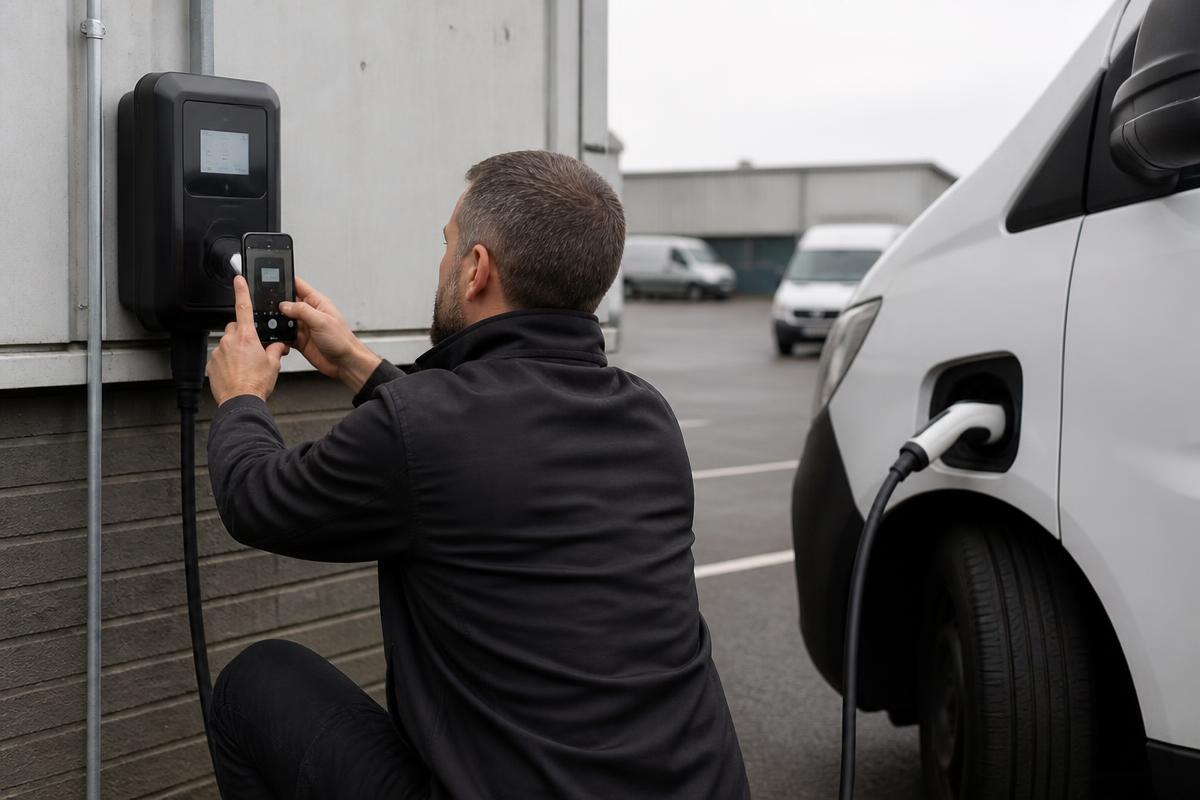
EV Charging
Charge point faults are reported from the roadside, the depot or the car park, often by someone who is not technical. Guided capture turns that report into something the support desk can act on.
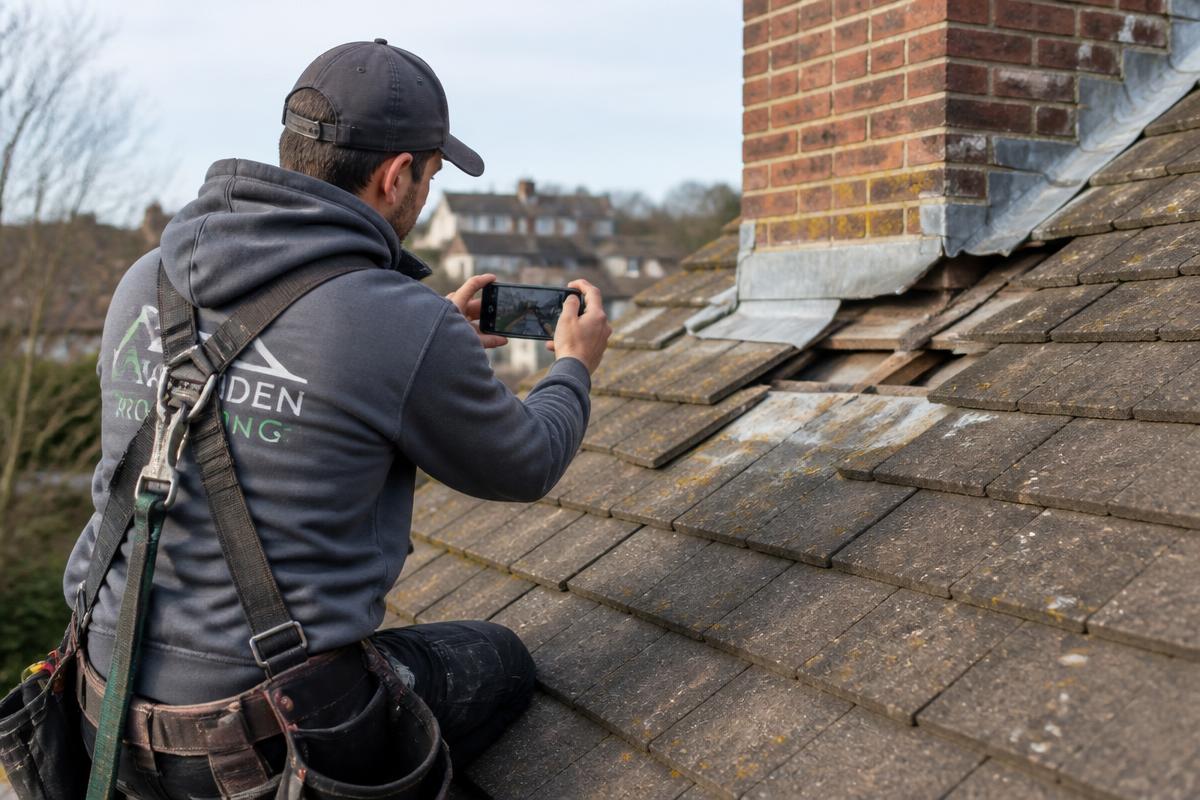
Roofing
Roof surveys are expensive in travel and access. A guided recording from the building owner or manager tells the estimator whether a visit is needed and what it will involve.
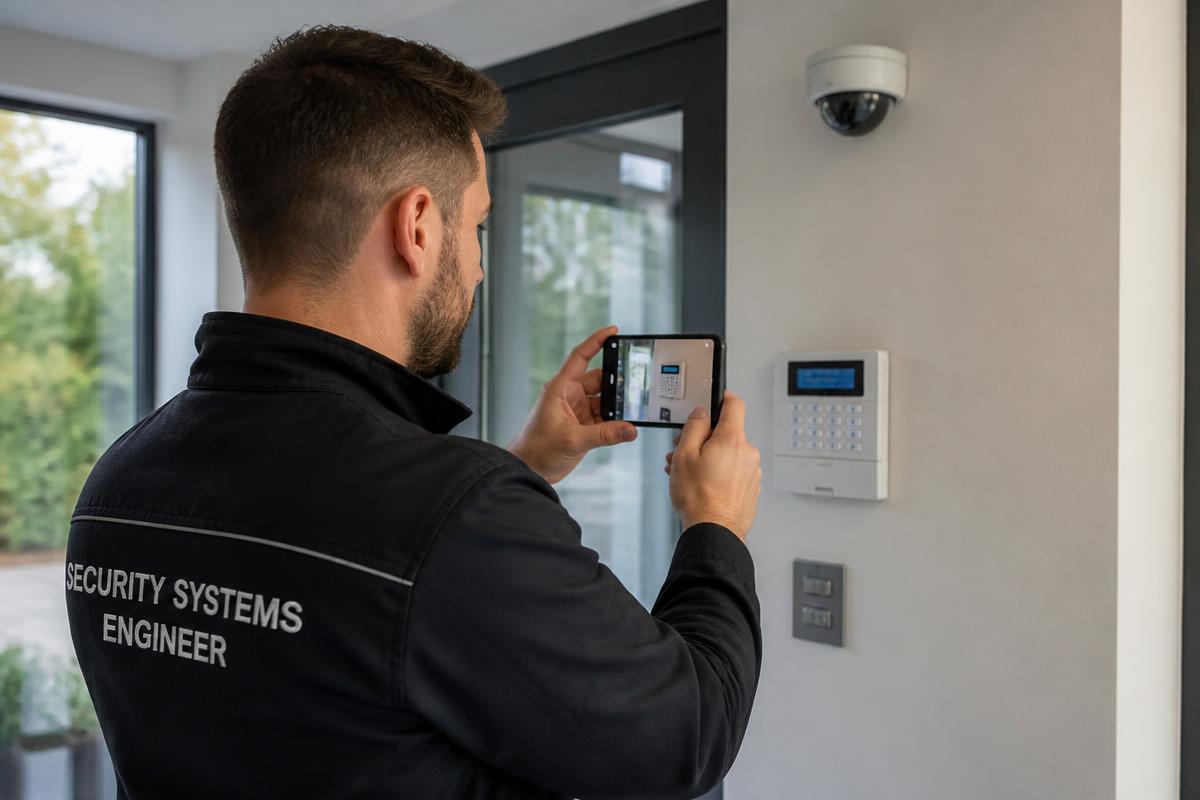
Fire & Security Systems
Most alarm and camera faults are reported as a panel message. Seeing the panel, the zone and the device in question usually decides whether anyone needs to travel.
And other service operations where the problem needs to be seen before the next decision is made.
Service cases
The same structured case, across very different sectors.
Illustrative workflow views showing what a service team receives after a guided video capture. Example content, not customer data.
Service case #5107
Inverter offline since Monday morning
- Customer
- Beckers Logistics
- Location
- Roof array B — Eindhoven
- Asset
- String inverter 25 kW
- Serial
- INV-31204
- Fault code
- F13
- Owner
- Solar service desk
Recommended next action
Site visit scheduled — bring replacement DC isolator and string tester
Service case #5122
Water ingress above first-floor office
- Customer
- Harbour Facilities
- Location
- Block C — Rotterdam
- Asset
- Pitched tile roof — chimney flashing
- Section
- Rear slope, chimney line
- Reported
- After heavy rainfall
- Owner
- Roofing estimator
Recommended next action
Quote from video — no survey visit required before works
Service case #5149
Alarm panel showing fault at side entrance
- Customer
- Northgate Retail Park
- Location
- Gate 2 — Dublin
- Asset
- Alarm panel + entrance camera
- Serial
- AP-77210
- Indicator
- Zone 4 fault on keypad
- Owner
- Security support desk
Recommended next action
Resolved remotely — zone 4 contact reset on site, no dispatch needed
Service case #5168
Charge session stops at 3 minutes
- Customer
- City Fleet Services
- Location
- Depot bay 7 — Antwerp
- Asset
- 22 kW AC charge point
- Serial
- EVC-40911
- Fault code
- E-021
- Owner
- Charging support desk
Recommended next action
Technician visit — bring RCD module and type 2 socket assembly
Service case #5183
Combi oven tripping the breaker on start-up
- Customer
- Meridian Foods
- Location
- Main kitchen — Waterford
- Asset
- Commercial combi oven
- Serial
- OV-20884
- Fault code
- AL-07
- Owner
- Equipment service desk
Recommended next action
Right technician assigned — heating element and contactor pre-ordered
Solutions
Start from the operational question you need to answer.
Each page explains one workflow: what is captured, who records it, and what the service team does with it.
- Pre-Dispatch Triage
How can service teams triage requests more accurately?
- Remote Diagnosis
How can service organisations diagnose problems without attending site?
- First-Time Fix Improvement
How can field service improve first-time fix rate?
- Technician Support
How can technicians get expert help without a live video call?
- Proof of Completion
How can service organisations document proof of completion?
- Service Quality Control
How can service organisations verify work remotely?
- Service Documentation
How can field technicians document work more consistently?
- Customer Video Intake
How can customers send service videos without installing an app?
- Field Technician Video
How can technicians send structured video updates to head office?
- Reduce Unnecessary Visits
How can service companies reduce unnecessary technician visits?
- Right Technician, Right Parts
How can service teams identify the right parts before sending a technician?
- Remote Technical Support
How can remote technical support use customer video?
- Remote Visual Inspection
What is remote visual inspection and how does it work?
- Virtual Inspection
What should virtual inspection software do?
- Remote Visual Assistance
How does remote visual assistance work without a live video call?
- Reduce Truck Rolls
How can service organisations reduce truck rolls?
Cost calculator
What could avoiding unnecessary visits be worth?
Adjust the assumptions to reflect your own service operation. An illustrative estimate based on your own numbers — not a guarantee of savings.
How the calculation works
If 10% of your visits may represent an opportunity for remote resolution or avoided dispatch, and you expect to realise 20% of that opportunity, the calculator assumes a 2% reduction in total visits.
Potential visits avoided per month
10
Potential monthly saving
€1,500
Potential annual saving
€18,000
Illustrative estimate only. Actual results depend on your service operation, workflow and implementation.
Fit with your systems
Fit service video into your existing service workflow.
Service video can start as a focused workflow and can be connected to existing systems where appropriate.
Connected through API, webhooks or simple link-based delivery, defined around your existing service process. See integrations · Security & data privacy
Implementation
Start with one workflow.
Guided video works best when it replaces one specific, expensive moment of uncertainty — not when it is rolled out everywhere at once.
- 01Select one expensive or problematic service workflow
- 02Define exactly what evidence is needed
- 03Build the guided capture
- 04Connect it to the existing process
- 05Pilot with one team
- 06Measure results
- 07Expand
Workflow first. Technology second.
Software and implementation
Proven software, implemented around your service process.
You get both in one engagement: a licensed, production-ready remote visual inspection platform, and the implementation work that makes it fit — the guided capture flows, the required evidence and the connection to your existing process. No development project, no internal build.
- Subscription licence — scoped to the teams and workflows that use it.
- Implementation included — one workflow configured, piloted and measured before you expand.
- Nothing to install — the person recording opens a link in their browser.
- Connected — cases reach your CRM, field service management, ticketing or ERP system.
Evidence
What changes when the service team can see the problem first.
Modelled service scenarios showing the existing process, the guided video workflow and the operational result. Illustrative examples — not results measured with a named customer.
Industrial equipment service
Machine downtime calls were logged from a second-hand description. Engineers frequently travelled to identify the fault rather than to repair it.
HVAC service
Repeat visits caused by missing parts and by call-outs that turned out to be settings, filters or user error.
Renewable energy maintenance
Remote sites made every unnecessary visit expensive, and specialist engineers were travelling long distances to assess faults.
What is Service Video Experts?
Service Video Experts is a global provider of guided asynchronous video workflows for field service, maintenance and technical-support organisations. The platform helps customers, site operators and field technicians capture structured video, photos, equipment information and checklist responses without requiring an app, an account or a live video call.
Is it software or a service?
Both. Service Video Experts delivers proven remote visual inspection software together with the implementation that makes it work in a real service operation. Service organisations license the platform, and every deployment includes configuration of the guided capture flows, the required evidence and the connection to the existing service process — set up around one workflow before it is extended.
What is remote visual inspection?
Remote visual inspection allows a service organisation to assess an asset, fault or condition using video and photographic evidence captured remotely, instead of immediately sending a specialist to the site.
Does Service Video Experts require a live video call?
No. Evidence is captured asynchronously through a guided link and reviewed afterwards by the service or technical team, so the customer, operator or technician and the reviewer never have to be available at the same moment.
What problem does it solve?
It helps service teams understand technical issues before dispatch and document work from the field, supporting better triage, remote diagnosis, first-time fix performance, technical support and quality control.
Show us how your service operation works today.
In 30 minutes, we'll look at how service requests are received, triaged, dispatched and closed — and identify where guided video could improve visibility, decision-making or documentation.