HVAC & refrigeration
See HVAC Problems Before Dispatching Your Service Engineers.
Most heating and cooling call-outs turn on details that are easy to show and hard to describe: an error code, a noise, a pipe run, a flashing light.
For HVAC service managers, technical service directors and service operations leaders in commercial HVAC, refrigeration, heat pumps and building systems.
No app. No customer account. No live video call.
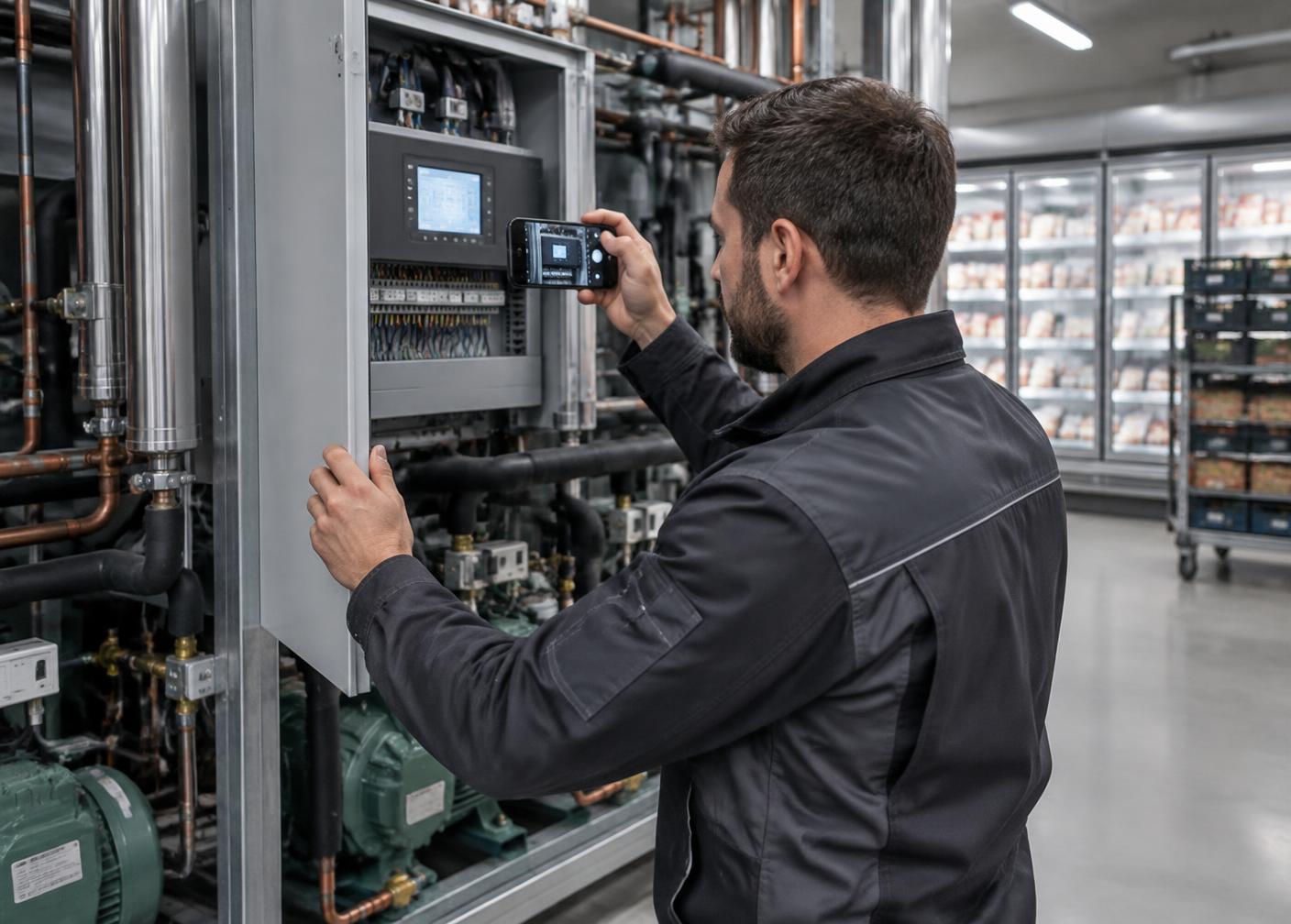
How can HVAC companies use customer video before dispatch?
Before an engineer is booked, the building manager or homeowner receives a guided link and records the unit, the control panel, the error code, the sound the system is making and the surrounding installation. The service team reviews this and decides whether to advise remotely, send a specific engineer, or bring a particular part.
Operational challenges
Where HVAC & Refrigeration service loses time and money.
The situations below are where better information before and during the visit typically changes the outcome.
Fault codes read on site
An engineer travels to read a controller display the site contact could have shown before the job was booked.
Unit not identified
Make, model, refrigerant and age are unknown, so the right engineer and parts cannot be planned.
Repeat call-outs for parts
The first visit diagnoses the fault; the second visit fits the part that could have travelled the first time.
Heat pump and refrigeration complexity
Installation conditions, pipework and controls vary widely and are hard to describe over the phone.
Scarce specialist time
Senior engineers are pulled onto the road for faults they could have assessed remotely.
Weak service records
Commissioning and repair evidence is scattered across notes, photos and messages.
How it works
Two guided workflows, introduced together or one at a time.
Customer video before dispatch, and technician video during the visit. The person recording opens a link in their phone browser.
Before dispatch — customer or site contact
- 1Service request logged
- 2Site contact receives a secure link
- 3Records unit, data plate, controller display and sound
- 4Service desk reviews the case
- 5Advise remotely, request more, or dispatch the right engineer with the right parts
During the visit — technician or contractor
- 1Engineer opens the guided job capture
- 2Records condition found and readings
- 3Captures repair or commissioning steps
- 4Records completion evidence
- 5Supervisor or specialist reviews remotely
Commercial benefits
What it can change in your operation.
Better technical triage
Assess the unit, the code and the installation before an engineer is assigned.
Fewer return visits for parts
Identify likely parts from the data plate and fault evidence before travel.
Remote specialist support
Let senior engineers review structured cases without leaving the office.
Stronger service and warranty records
Keep dated visual evidence of condition, repair and commissioning per asset.
Results depend on your workflows, volumes and adoption. We measure them with you in a pilot rather than promise them in advance.
Worked example
Illustrative example — rooftop unit alarm at an office building
01 Problem
A facilities contact reports that a rooftop air-handling unit has stopped and an alarm is showing.
02 Capture
Through a guided link, the contact films the unit, the data plate and the controller display showing the fault code, and answers questions about when it stopped and whether the breaker has tripped.
03 Review
The service desk identifies the unit model, reads the code and sees that the condenser fan is not running.
04 Decision
A refrigeration-qualified engineer is assigned and the likely fan motor and capacitor are taken on the first visit.
05 Operational result
The engineer arrives prepared instead of attending to diagnose and returning with parts. Illustrative scenario — not a client result.
Pilot invitation
Start with one workflow in your operation.
A typical starting point is one request type — for example commercial HVAC fault calls where engineers often return for parts — run with one service desk team.
- We analyse the current process and agree a baseline
- We configure the guided capture and review steps
- Your team runs it on real cases with our support
- You decide on measured results whether to expand
Further reading: How to improve first-time fix rates in HVAC service
The typical situation
An engineer is sent to read an error code that the customer could have shown in thirty seconds, and returns another day with the correct part.
Who records the video
The building manager, facilities contact or homeowner — and the attending engineer during the visit.
What is captured
- Indoor and outdoor unit
- Control panel and error code
- Thermostat settings
- Sound of the system in operation
- Pipework, flue and installation context
- Access and location of the unit
Service cases
What the service team receives.
Illustrative workflow views across the sectors we work in. Example content, not customer data.
Service case #4821
Rooftop unit stopped — alarm on controller
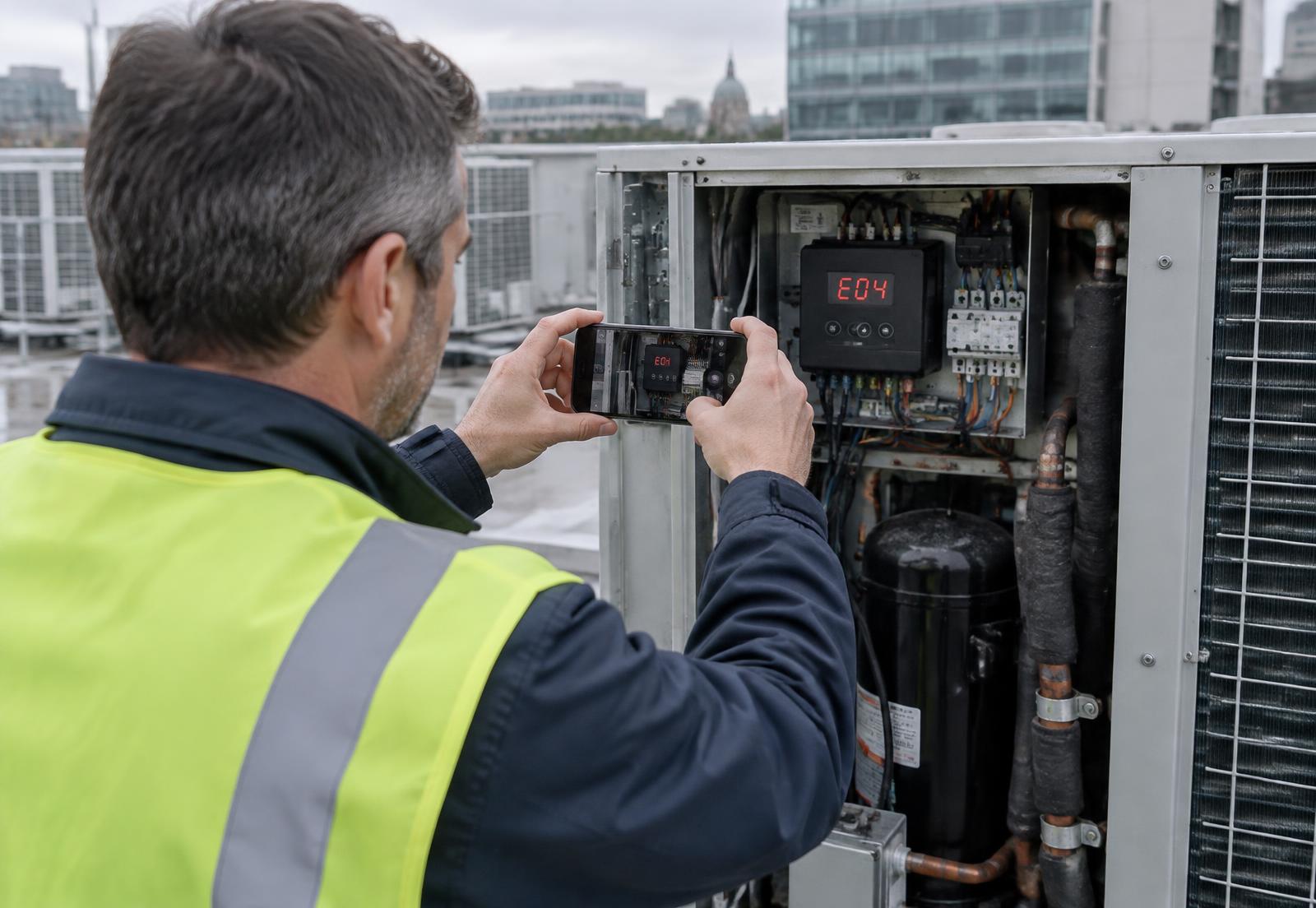
- Site
- Office building — Dublin
- Asset
- Rooftop air-handling unit
- Data plate
- Captured
- Fault code
- E04
- Observed
- Condenser fan not running
- Owner
- HVAC service desk
Recommended next action
Refrigeration engineer — bring condenser fan motor and capacitor
Service case #5107
Inverter offline since Monday morning
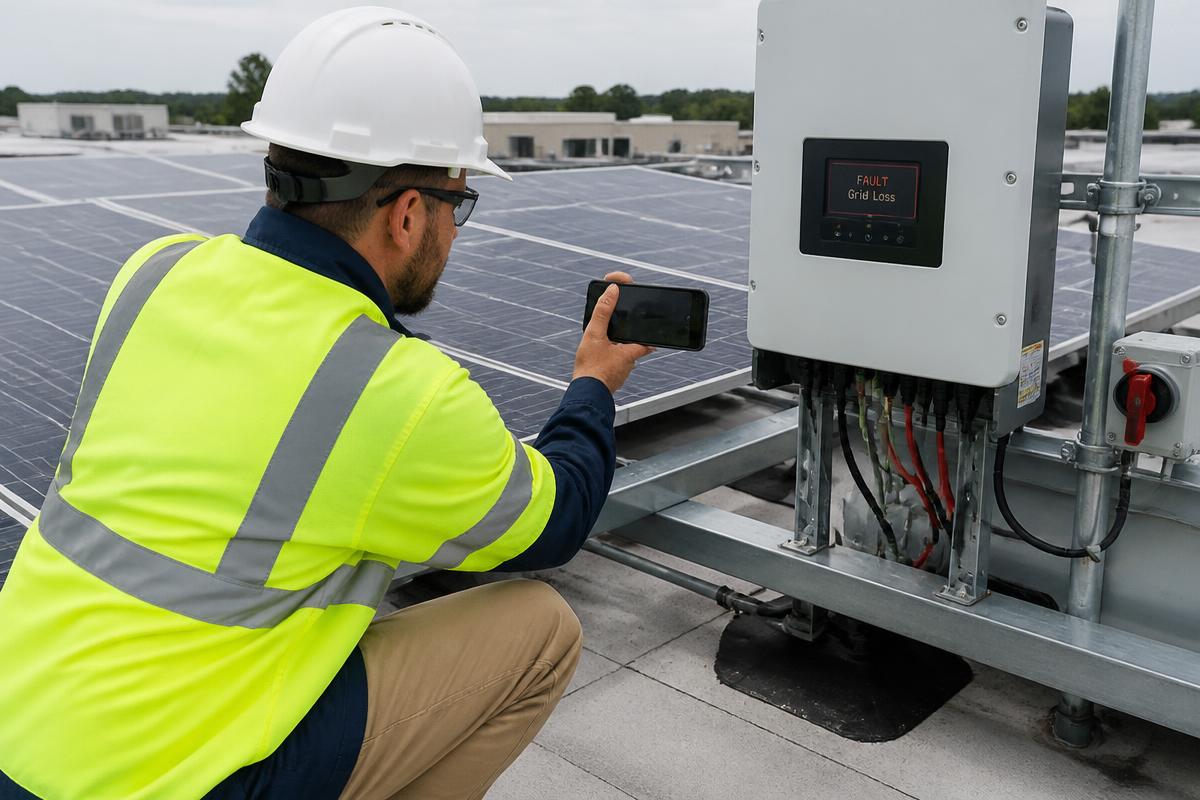
- Customer
- Beckers Logistics
- Location
- Roof array B — Eindhoven
- Asset
- String inverter 25 kW
- Serial
- INV-31204
- Fault code
- F13
- Owner
- Solar service desk
Recommended next action
Site visit scheduled — bring replacement DC isolator and string tester
Service case #5122
Water ingress above first-floor office
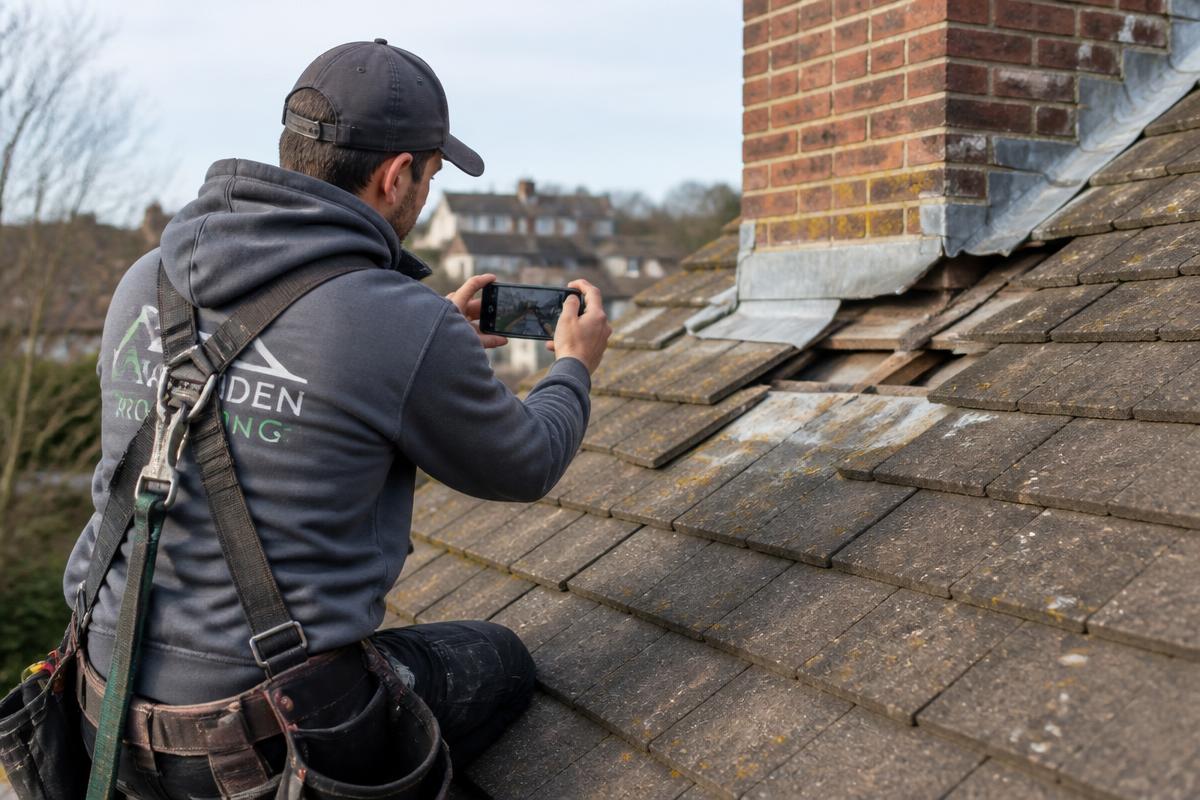
- Customer
- Harbour Facilities
- Location
- Block C — Rotterdam
- Asset
- Pitched tile roof — chimney flashing
- Section
- Rear slope, chimney line
- Reported
- After heavy rainfall
- Owner
- Roofing estimator
Recommended next action
Quote from video — no survey visit required before works
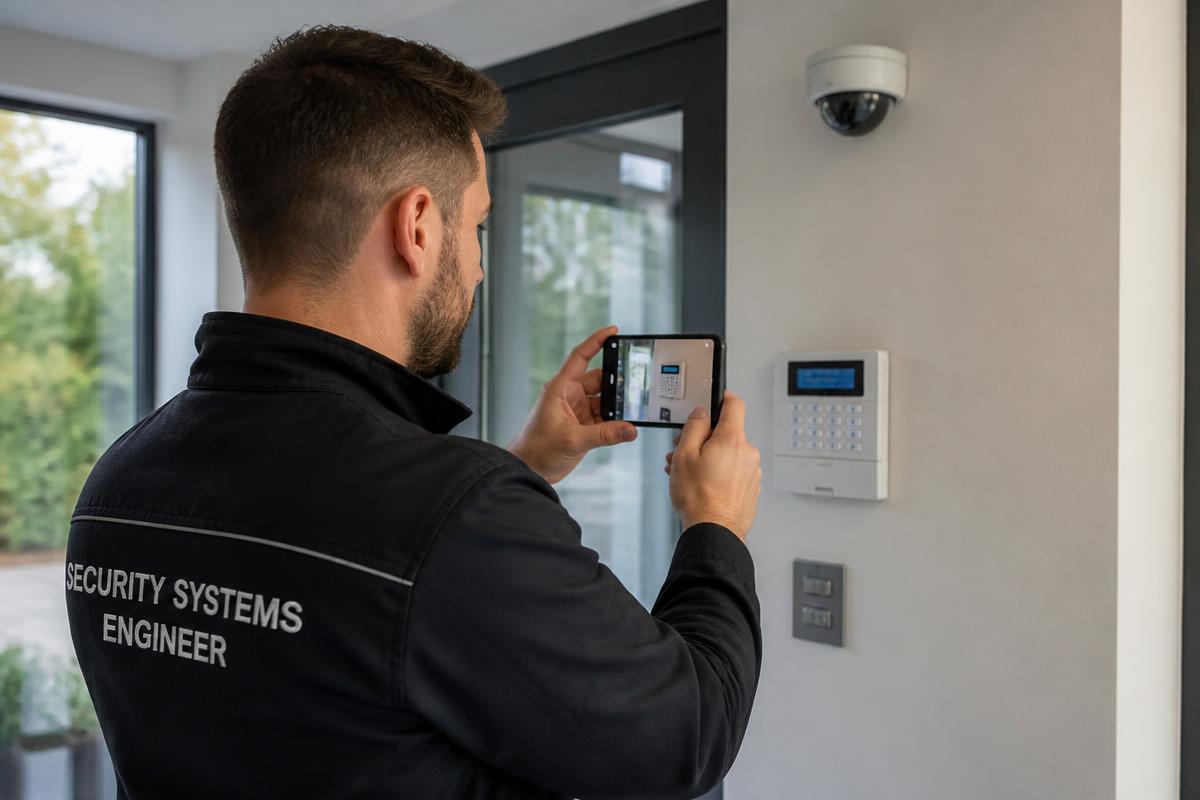
Service case #5149
Alarm panel showing fault at side entrance
- Customer
- Northgate Retail Park
- Location
- Gate 2 — Dublin
- Asset
- Alarm panel + entrance camera
- Serial
- AP-77210
- Indicator
- Zone 4 fault on keypad
- Owner
- Security support desk
Recommended next action
Resolved remotely — zone 4 contact reset on site, no dispatch needed
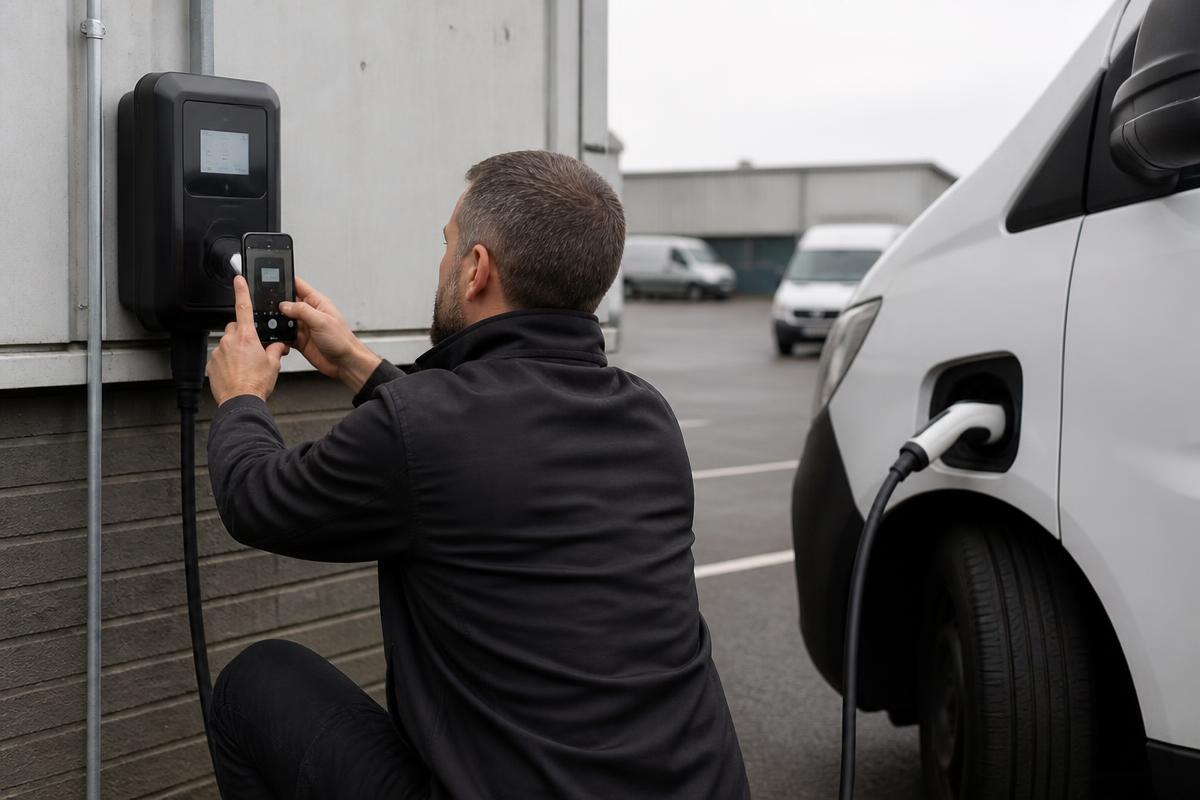
Service case #5168
Charge session stops at 3 minutes
- Customer
- City Fleet Services
- Location
- Depot bay 7 — Antwerp
- Asset
- 22 kW AC charge point
- Serial
- EVC-40911
- Fault code
- E-021
- Owner
- Charging support desk
Recommended next action
Technician visit — bring RCD module and type 2 socket assembly
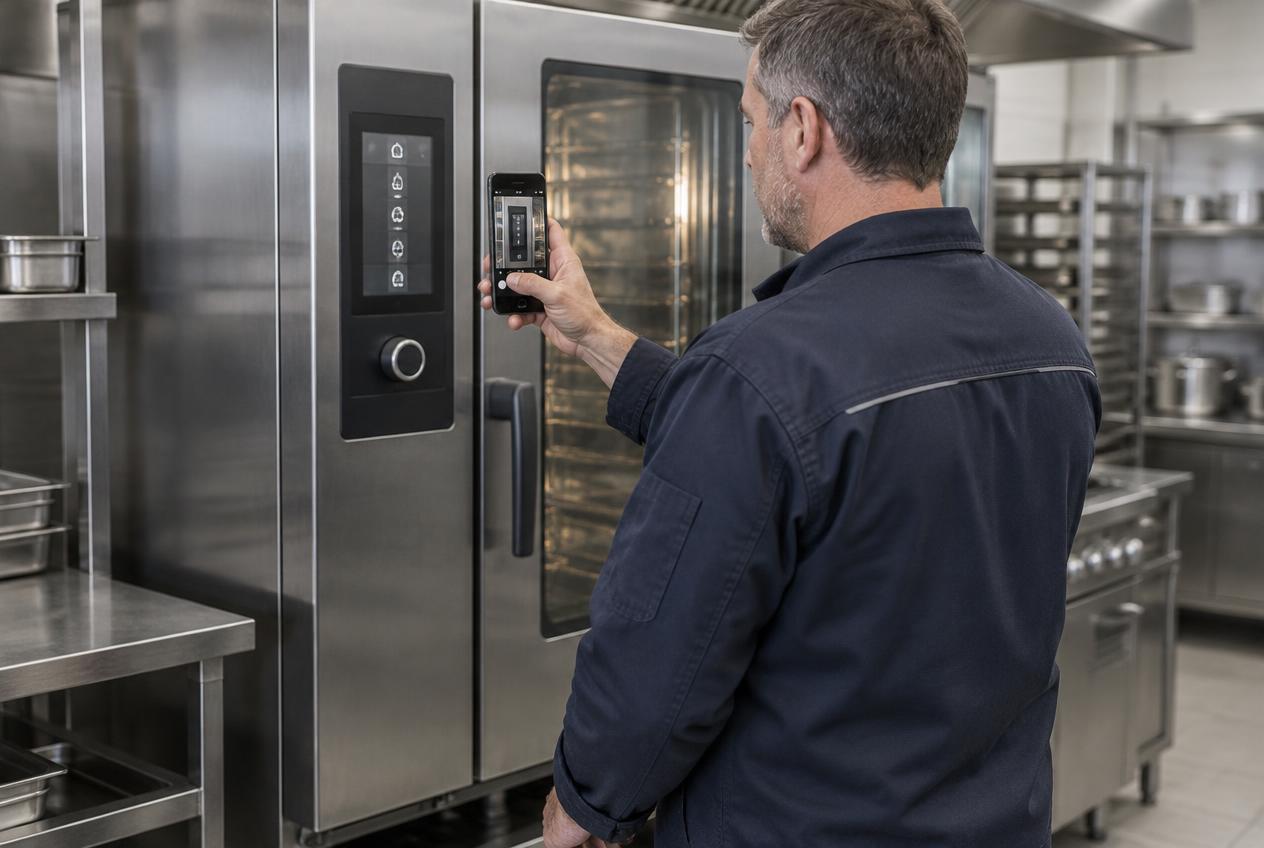
Service case #5183
Combi oven tripping the breaker on start-up
- Customer
- Meridian Foods
- Location
- Main kitchen — Waterford
- Asset
- Commercial combi oven
- Serial
- OV-20884
- Fault code
- AL-07
- Owner
- Equipment service desk
Recommended next action
Right technician assigned — heating element and contactor pre-ordered
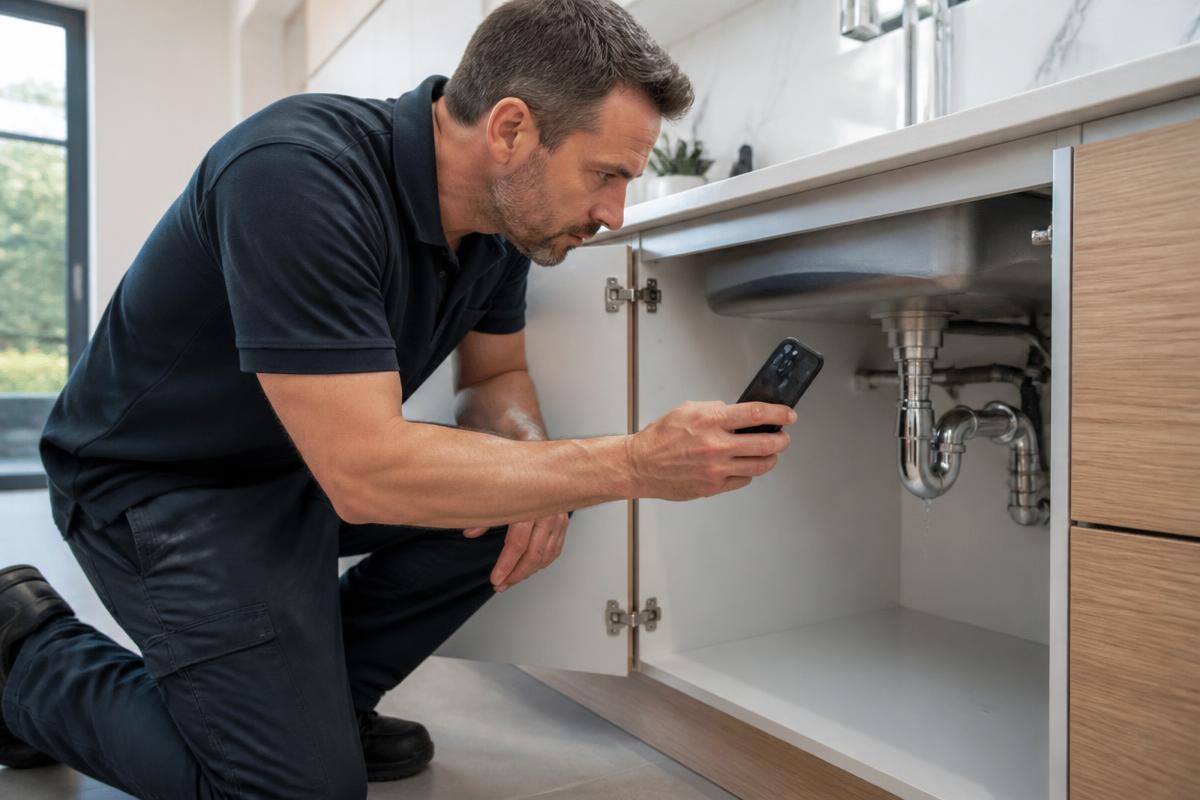
Service case #5204
Water running behind the kitchen unit
- Customer
- Ellen Doyle
- Location
- 14 Mill Lane — Cork
- Asset
- Kitchen waste and supply pipework
- Isolation
- Stopcock located under sink
- Reported
- Since yesterday evening
- Owner
- Service desk
Recommended next action
Engineer dispatched same day — bring compression fittings and flexible tails
Service case #5231
Water surfacing beside the footpath meter chamber
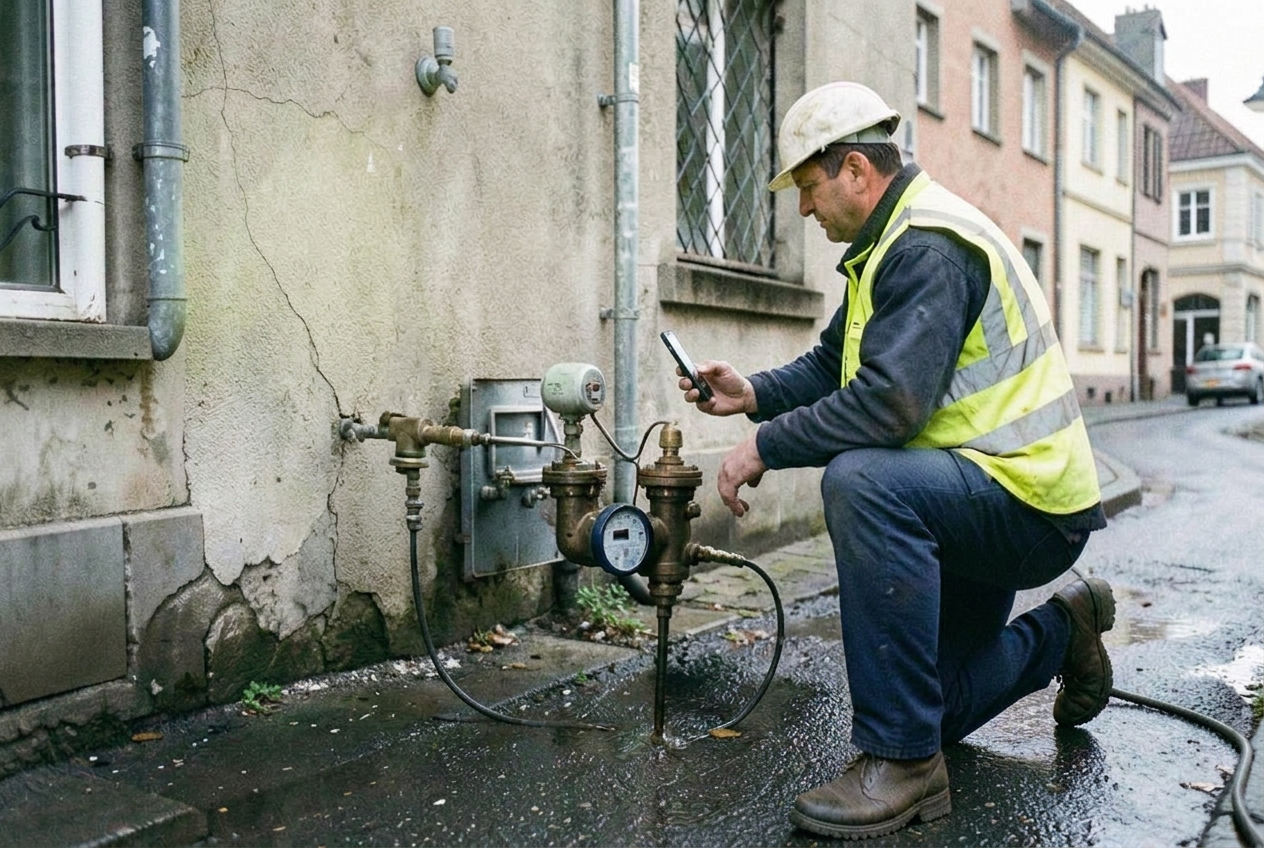
- Reported by
- Site contractor
- Location
- Bridge Street — Galway
- Asset
- Meter chamber and service connection
- Reference
- MC-11820
- Access
- Footpath, traffic management needed
- Owner
- Network control
Recommended next action
Category confirmed — crew scheduled with traffic management and repair collar
Service case #5257
Damp patch spreading on bedroom wall
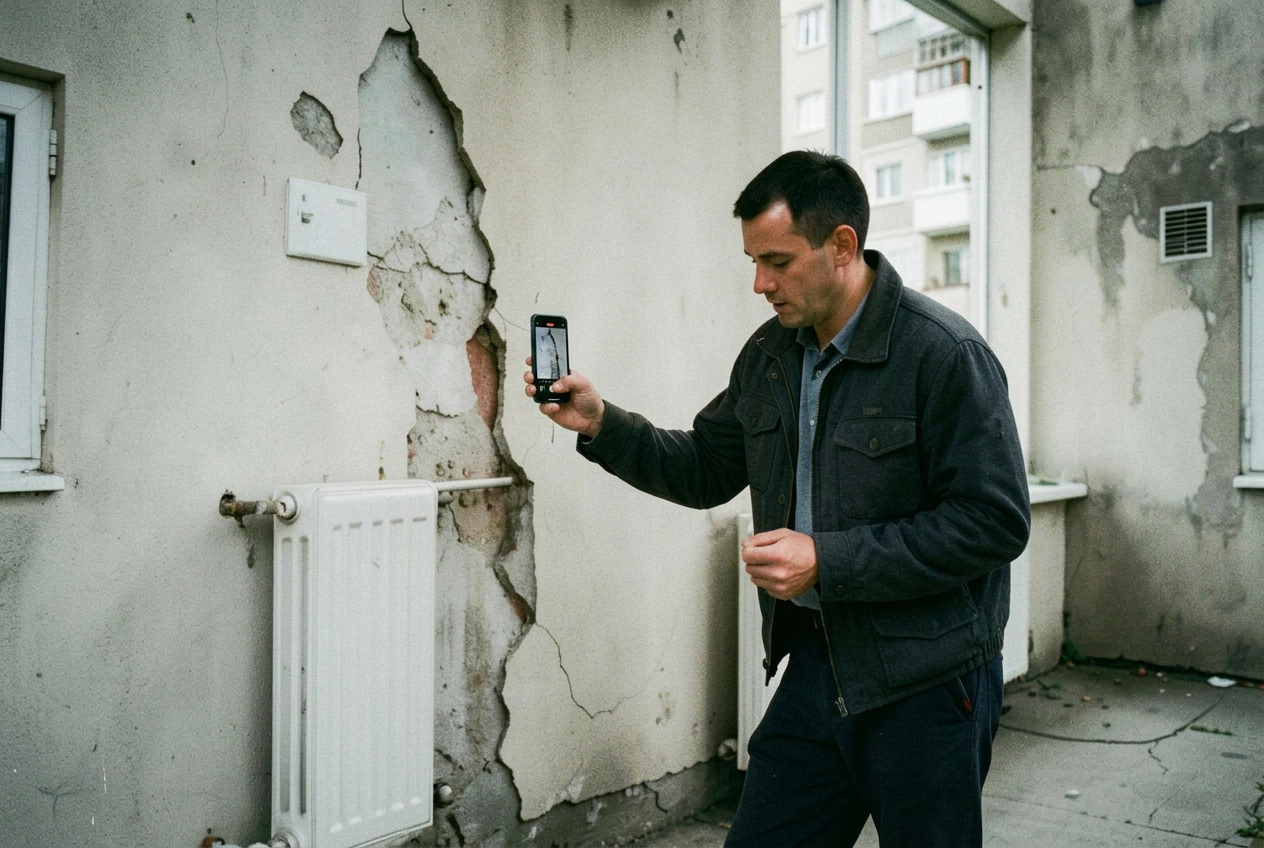
- Tenant
- Apartment 2C
- Location
- Riverside Court — Limerick
- Asset
- External wall, first floor
- Reported
- Worse after rainfall
- History
- Second report this year
- Owner
- Repairs coordinator
Recommended next action
Assigned to roofing trade first — no plumbing visit booked
Service case #5279
Warning light and rattle under load
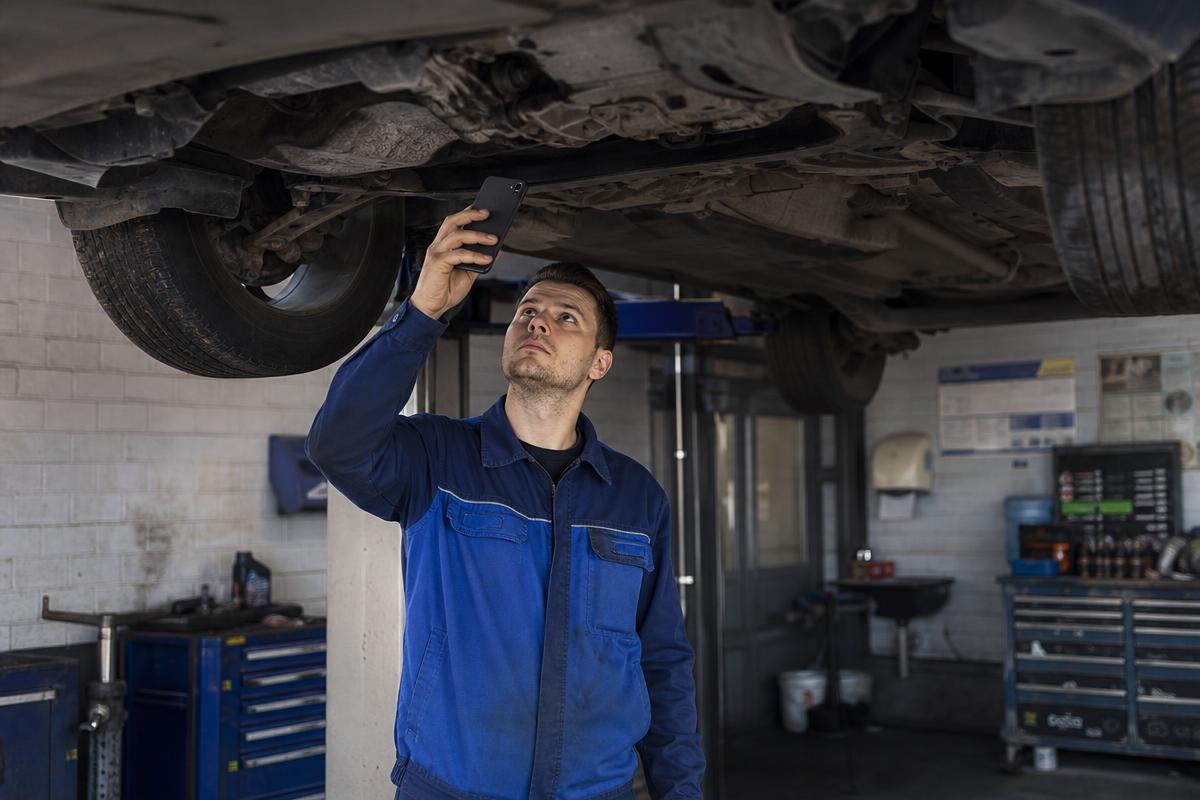
- Customer
- Fleet account — Voss Transport
- Location
- Service reception — Utrecht
- Asset
- Light commercial van
- Identification
- VIN captured on video
- Indicator
- Engine warning lamp on
- Owner
- Service advisor
Recommended next action
Diagnosis slot booked — exhaust heat shield and sensor quoted in advance
Service case #5298
Vibration reported in nacelle during operation
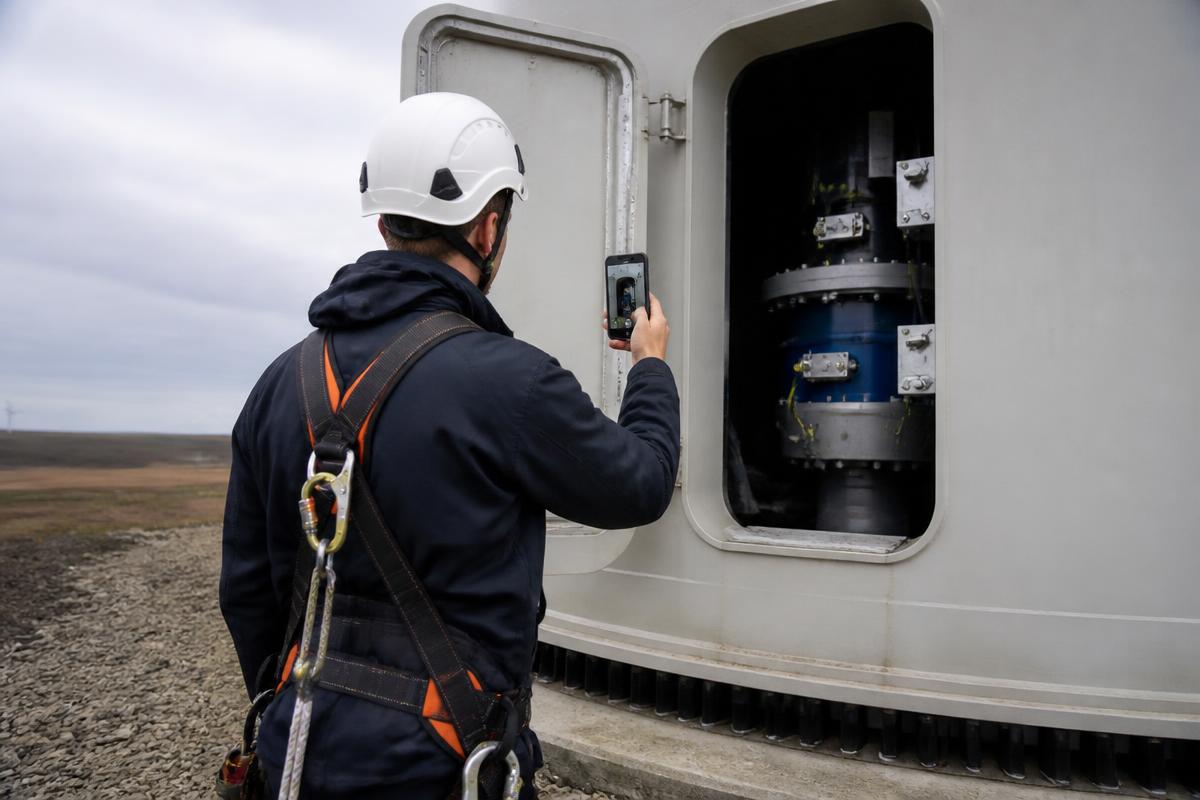
- Operator
- Northsea Renewables
- Location
- Turbine 7 — coastal site
- Asset
- Nacelle drive train
- Serial
- WT-6042
- Indicator
- Vibration alarm logged
- Owner
- Technical support
Recommended next action
Specialist review before climb — lifting plan and spare coupling prepared
How the service team uses it
- Identify the unit type and age
- Match the error code to a likely cause
- Advise a reset or simple check remotely
- Send an engineer qualified for that system
- Prepare parts and commissioning documents
Operational outcomes
- Fewer wasted call-outs
- Faster diagnosis of error codes
- Better prepared engineers
- Documented commissioning and service history
Outcomes depend on your own service operation. We do not publish savings percentages that have not been measured with you.
Common questions
What service teams usually ask first.
- Does the customer or site contact need to install anything?
- No. They open a link on their own phone and are guided through the capture steps in the browser. There is no app to download, no account to create and no live video call to join.
- What happens if the recording misses something?
- The service team can request a specific follow-up — a particular angle, the serial plate or an additional answer — through the same case, without starting again.
- How long does it take to get started?
- Implementation starts with one workflow. We configure the capture steps, questions and checklist for that workflow, connect it to how your team already works, and extend from there once it is running.
- Is this software or a service?
- It is software, licensed by subscription, with implementation included. Your team uses the platform; the people who record — customers, site contacts, technicians — need nothing installed.
Related
Continue reading
- Pre-dispatch triage with guided video
Triage service requests on what the customer can show, not what they can describe. Guided video before dispatch across field service, equipment and technical support.
- Customer video intake without an app or account
Customers submit guided video, photos and answers through a simple link. No app, no account, no live video call.
- Improving first-time fix with better information before dispatch
First-time fix depends on what the service team knows before travelling. Guided video supplies the fault, the equipment and the context in advance.
- Proof of completion for service and maintenance work
Close jobs with dated before-and-after evidence, checklist responses and restart confirmation attached to the service record.
Discuss your service workflow with us.
In 30 minutes we look at how requests arrive, how they are triaged and how work is documented today — and where guided video would fit.
Prefer to try the capture workflow yourself first? Start a free account