Customer video
See the issue before you dispatch.
Your customer already has the camera in their hand. A guided link turns their description into a structured visual case your team can act on.
No app. No account. No video call.
Just a guided link that tells the customer exactly what your service team needs to see.
Capture is asynchronous — there is no appointment for a live call. The customer records when convenient. Your service team reviews when convenient.
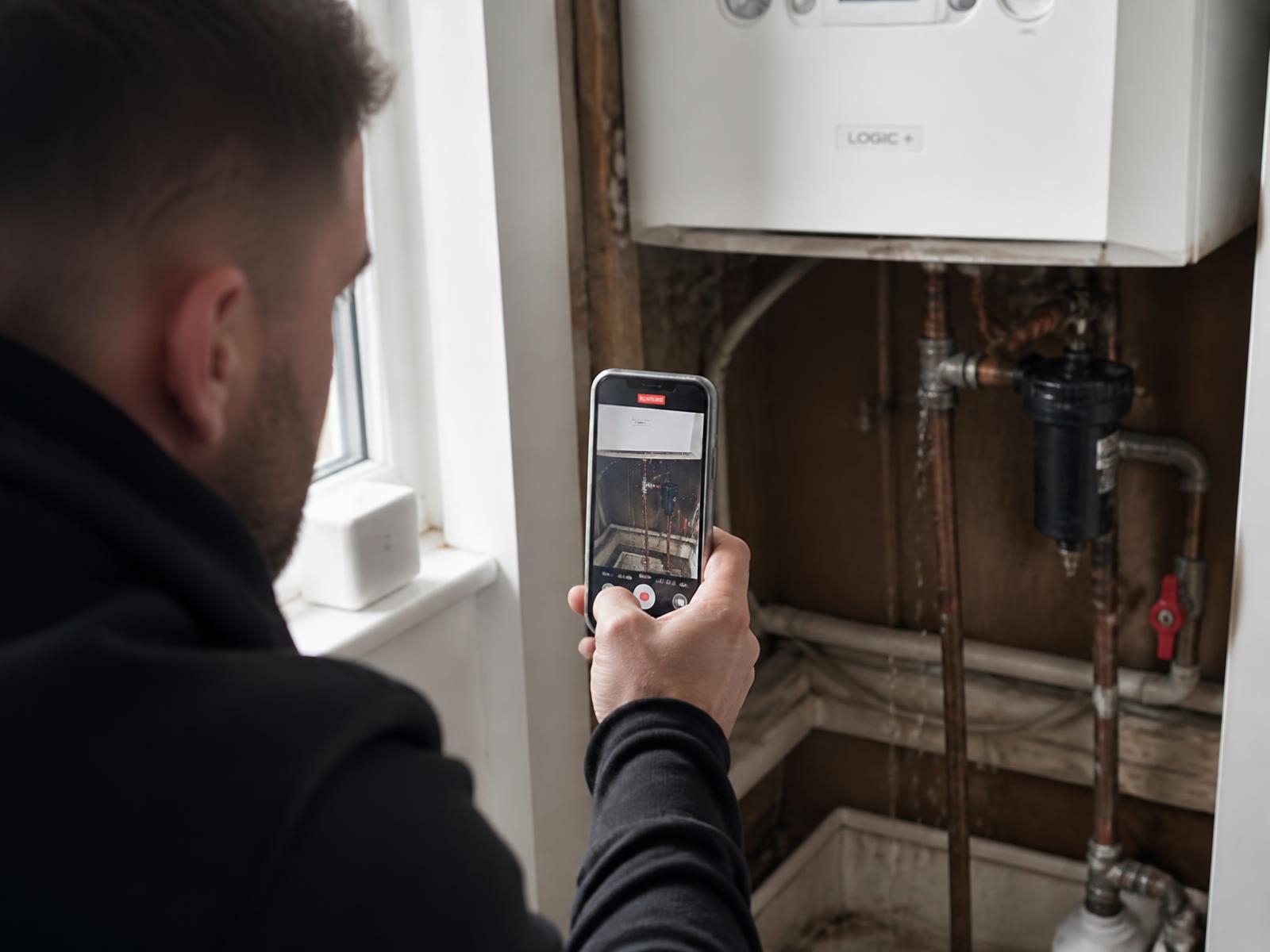
The journey
How the customer experience works
Don’t just ask for a video. Guide the customer to capture exactly what your service team needs — your organisation decides what should be captured.
- 01Send
- 02Guide
- 03Capture
- 04Review
- 05Decide
A request is created
Triggered from your service desk, your website or an existing case.
The link is sent
By SMS, email or WhatsApp. The customer taps it and the camera opens.
Guided capture
Short instructions tell the customer what to film and which questions to answer.
Submission
Video, photos and answers arrive together, attached to the case.
Central review
A coordinator reviews the material and assesses what should happen next.
Next action
Resolve remotely, request more information, dispatch the right technician or prepare the likely part.
Typical situations
What customers usually film
Anything a technician would want to look at first.
Why it is easy for customers
- No download, no account, no password.
- Works on any modern smartphone browser.
- Takes a minute or two, not a phone queue.
- Clear instructions on what to show.
What your team gains
- Fewer explanations repeated over the phone.
- Priority based on what the case actually is.
- The right technician, with the right parts.
- A visual record kept with the case.
Service cases
What a captured case looks like in practice.
Illustrative workflow views across different sectors, showing what the service team receives after a guided customer capture. Example content, not customer data.
Service case #5107
Inverter offline since Monday morning
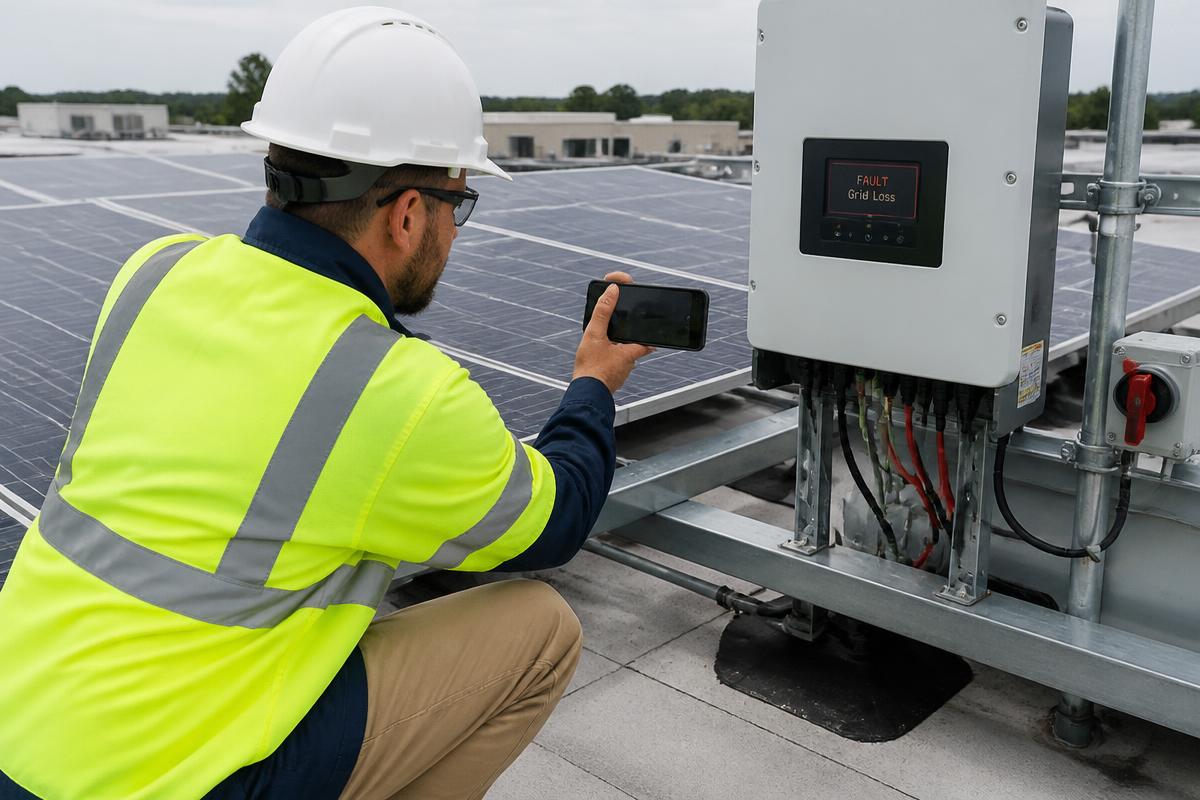
- Customer
- Beckers Logistics
- Location
- Roof array B — Eindhoven
- Asset
- String inverter 25 kW
- Serial
- INV-31204
- Fault code
- F13
- Owner
- Solar service desk
Recommended next action
Site visit scheduled — bring replacement DC isolator and string tester
Service case #5122
Water ingress above first-floor office
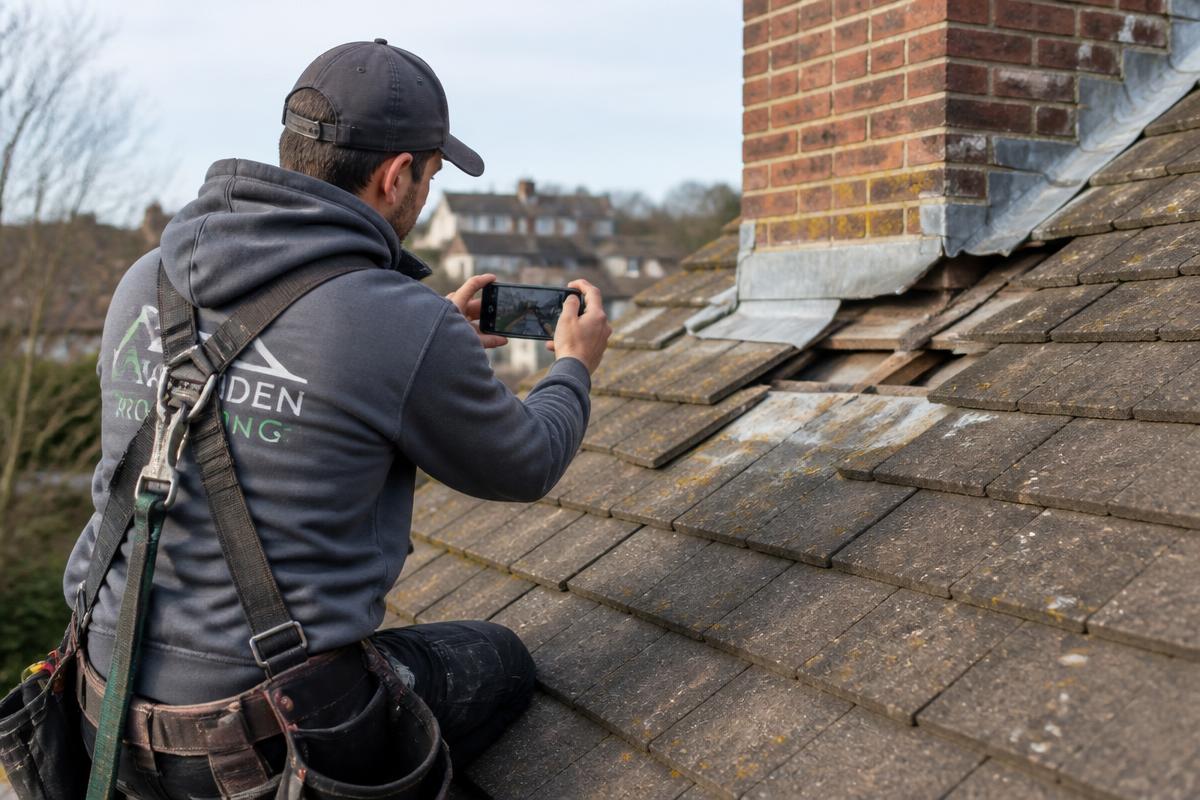
- Customer
- Harbour Facilities
- Location
- Block C — Rotterdam
- Asset
- Pitched tile roof — chimney flashing
- Section
- Rear slope, chimney line
- Reported
- After heavy rainfall
- Owner
- Roofing estimator
Recommended next action
Quote from video — no survey visit required before works
Service case #5149
Alarm panel showing fault at side entrance
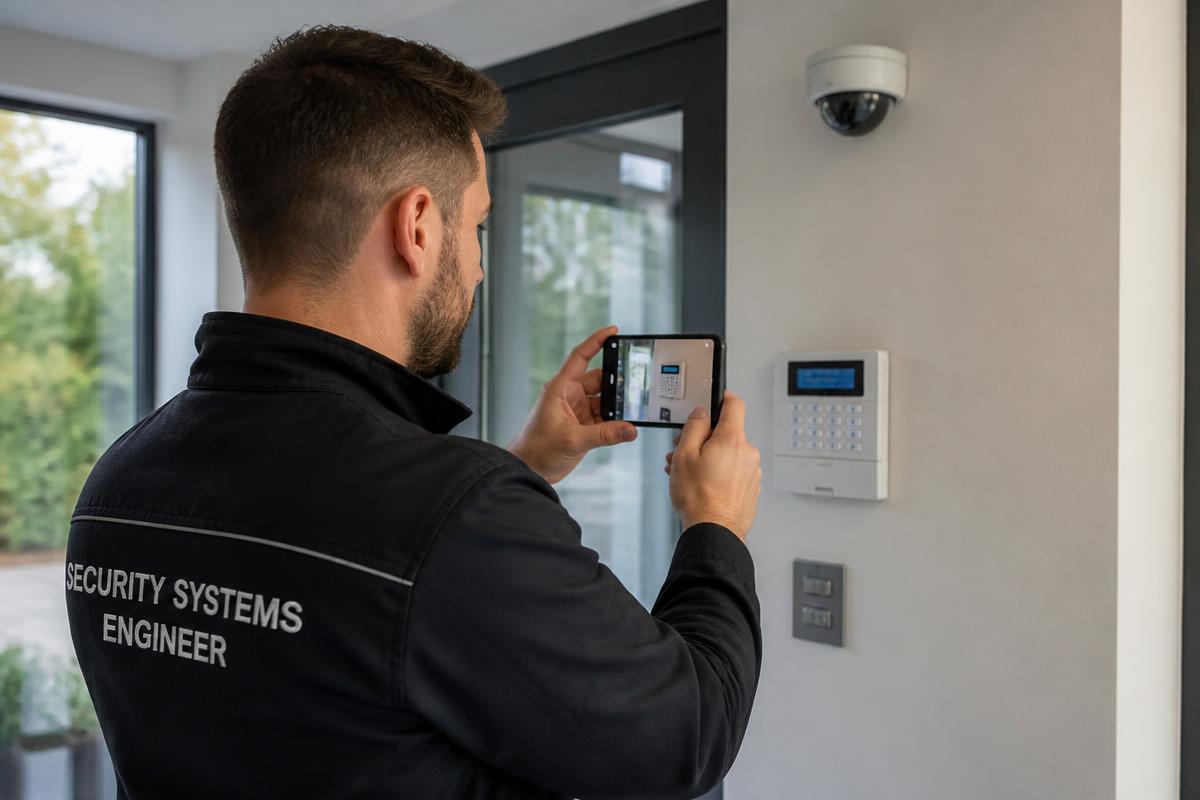
- Customer
- Northgate Retail Park
- Location
- Gate 2 — Dublin
- Asset
- Alarm panel + entrance camera
- Serial
- AP-77210
- Indicator
- Zone 4 fault on keypad
- Owner
- Security support desk
Recommended next action
Resolved remotely — zone 4 contact reset on site, no dispatch needed
Service case #5168
Charge session stops at 3 minutes
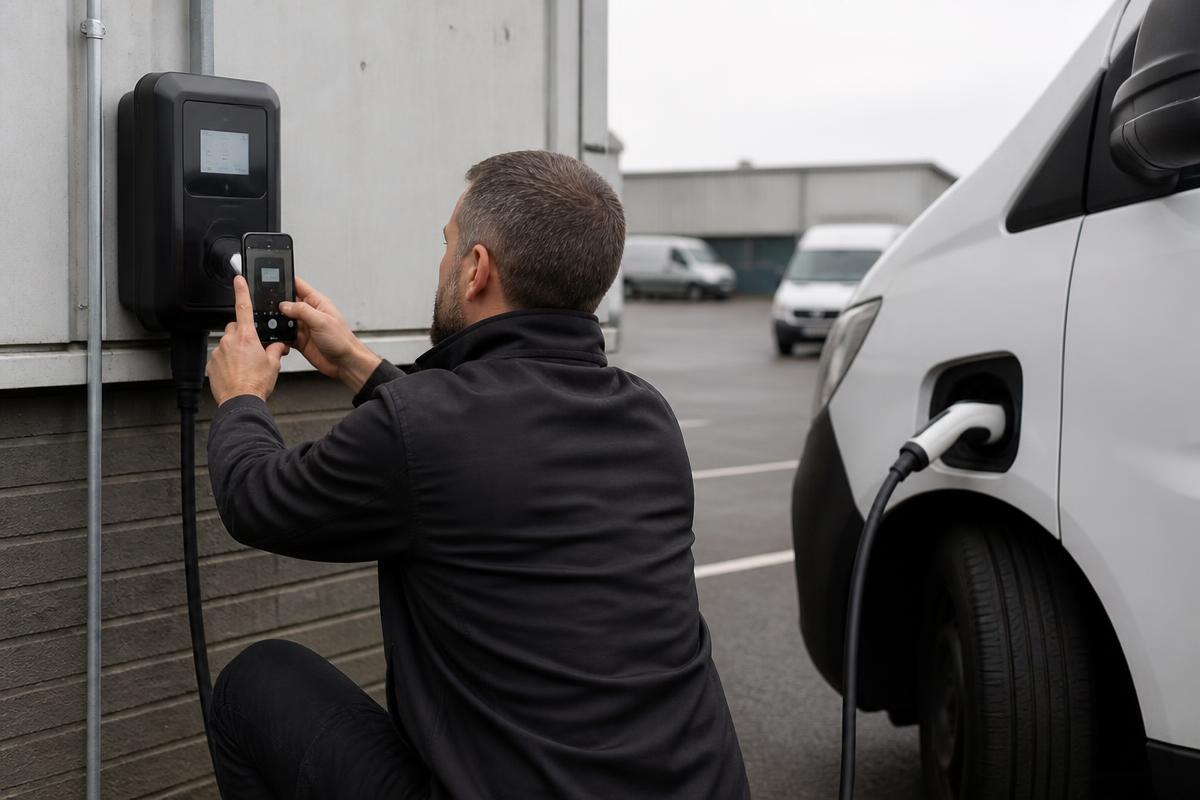
- Customer
- City Fleet Services
- Location
- Depot bay 7 — Antwerp
- Asset
- 22 kW AC charge point
- Serial
- EVC-40911
- Fault code
- E-021
- Owner
- Charging support desk
Recommended next action
Technician visit — bring RCD module and type 2 socket assembly
Service case #5183
Combi oven tripping the breaker on start-up
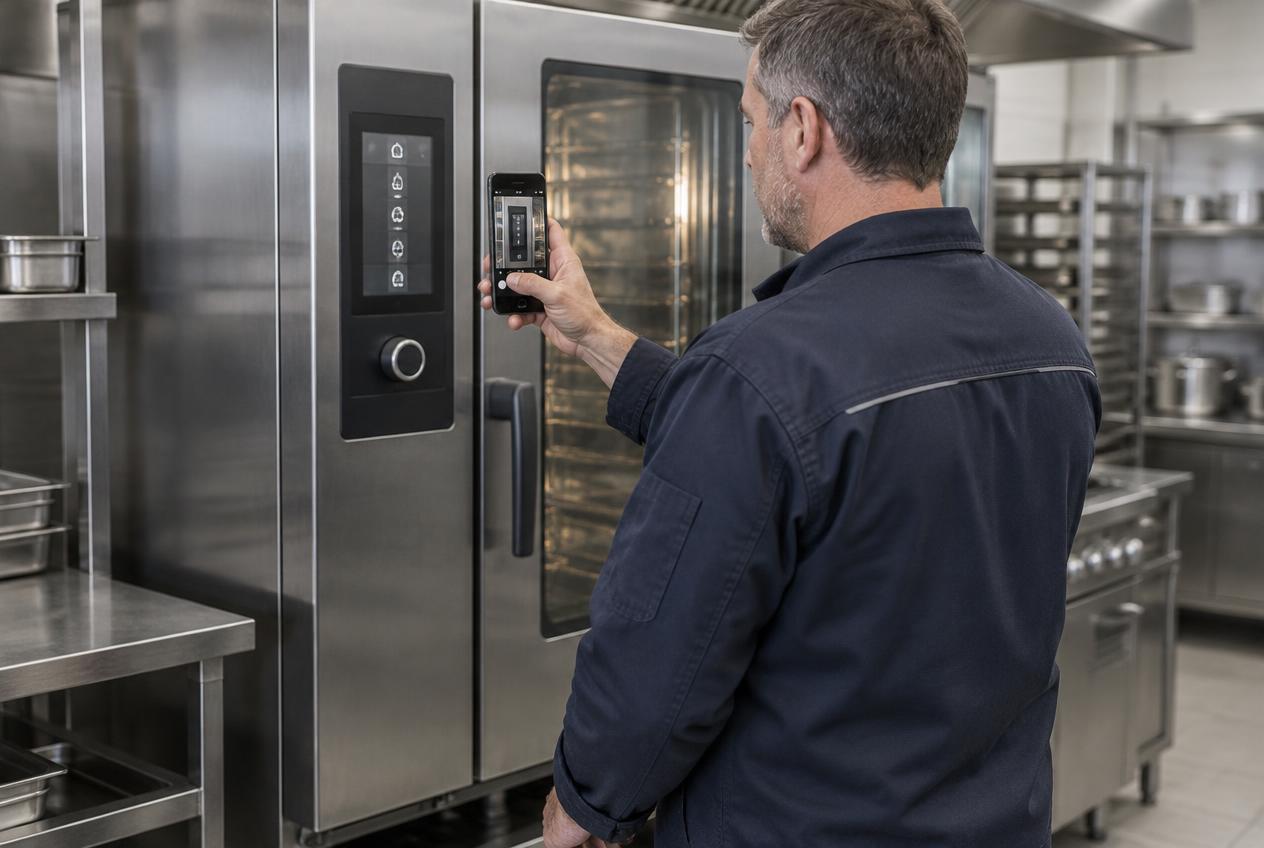
- Customer
- Meridian Foods
- Location
- Main kitchen — Waterford
- Asset
- Commercial combi oven
- Serial
- OV-20884
- Fault code
- AL-07
- Owner
- Equipment service desk
Recommended next action
Right technician assigned — heating element and contactor pre-ordered
See the issue before you schedule the visit.
We will show you how guided customer capture fits your intake and triage process.