Capability
Guided video capture with required photos
Guided capture is the difference between a random clip and usable service evidence. Your organisation defines the steps; the person on site simply follows them.
No app. No customer account. No live video call.
What is guided video capture?
Guided video capture is a step-by-step recording flow. Instead of asking someone to 'send a video', the link prompts them through each required shot — the equipment, the serial plate, the fault in operation, the surrounding installation — and will not treat the case as complete until the required evidence is present. It opens in a normal phone browser, with no app and no account.
The typical situation
A customer sends one short clip filmed from too far away. The service team still cannot see the model, the code or the actual fault, so the call-back cycle starts again.
Who records the video
The customer, the site operator or the attending technician — whoever is standing in front of the equipment.
What is captured
- Step-by-step video of each required view
- Required photos that cannot be skipped
- Equipment identification and serial plate
- Warning lights, displays and fault codes
- Structured question answers
- Free-text notes where useful
Service cases
What the service team receives.
Illustrative workflow views across the sectors we work in. Example content, not customer data.
Service case #4821
Rooftop unit stopped — alarm on controller
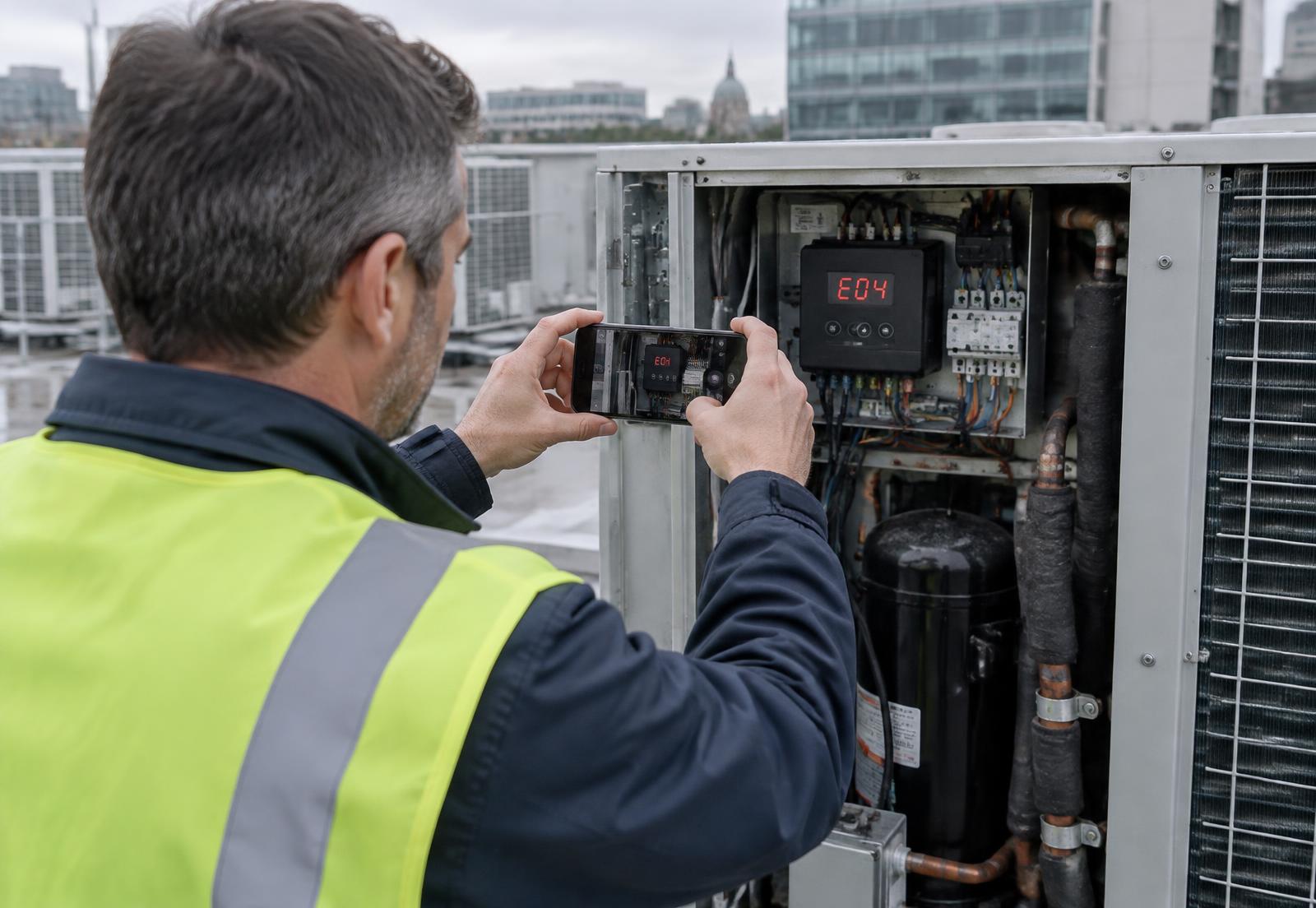
- Site
- Office building — Dublin
- Asset
- Rooftop air-handling unit
- Data plate
- Captured
- Fault code
- E04
- Observed
- Condenser fan not running
- Owner
- HVAC service desk
Recommended next action
Refrigeration engineer — bring condenser fan motor and capacitor
Service case #5107
Inverter offline since Monday morning
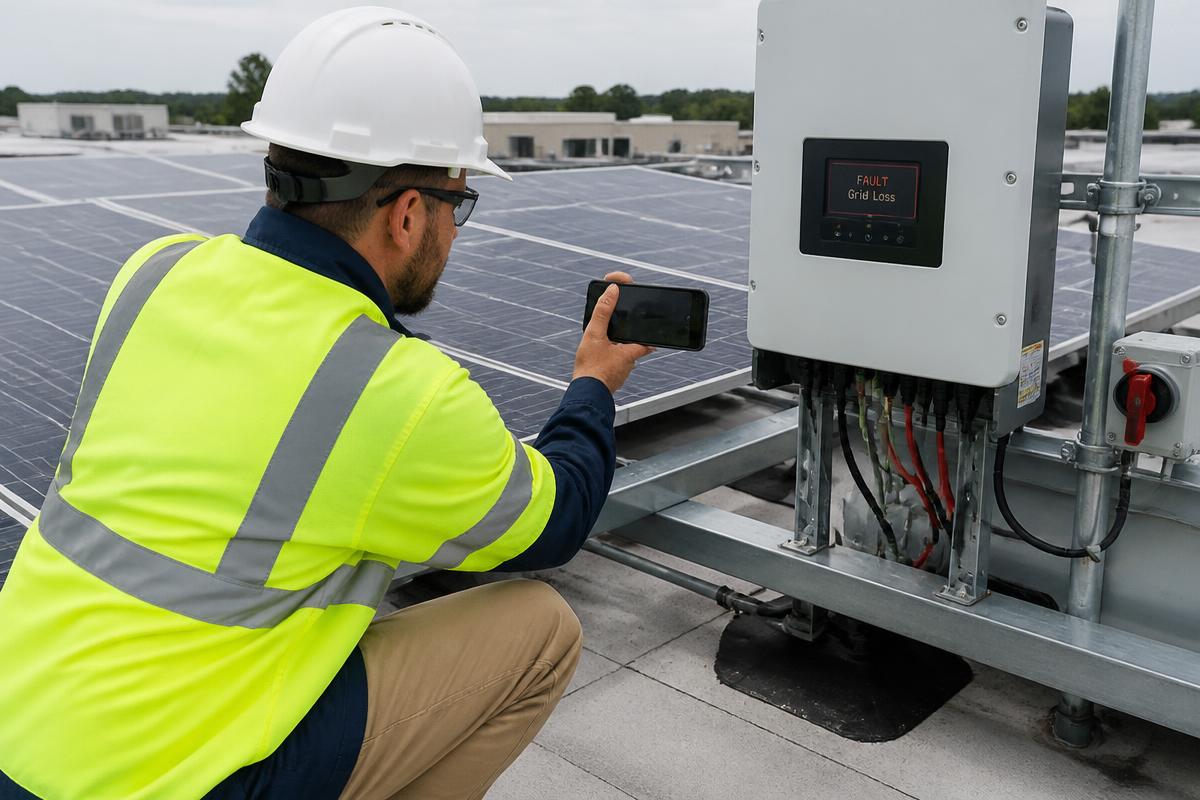
- Customer
- Beckers Logistics
- Location
- Roof array B — Eindhoven
- Asset
- String inverter 25 kW
- Serial
- INV-31204
- Fault code
- F13
- Owner
- Solar service desk
Recommended next action
Site visit scheduled — bring replacement DC isolator and string tester
Service case #5122
Water ingress above first-floor office
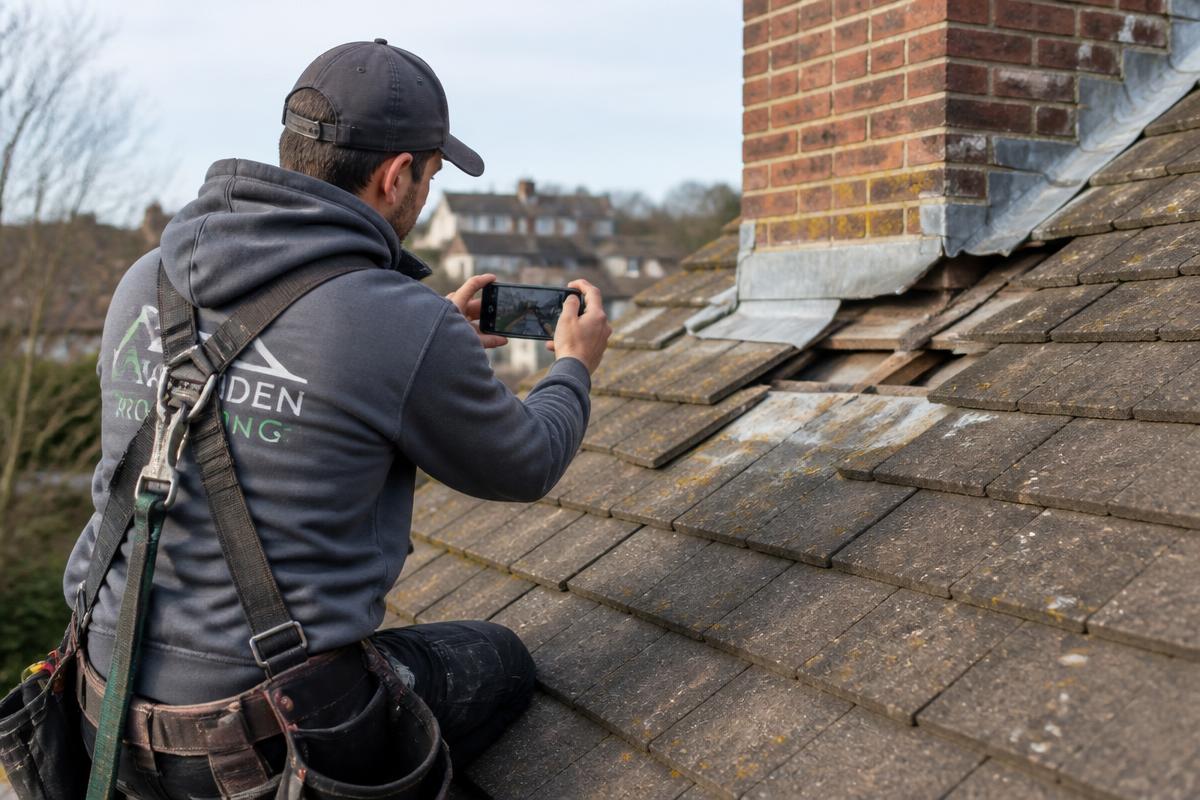
- Customer
- Harbour Facilities
- Location
- Block C — Rotterdam
- Asset
- Pitched tile roof — chimney flashing
- Section
- Rear slope, chimney line
- Reported
- After heavy rainfall
- Owner
- Roofing estimator
Recommended next action
Quote from video — no survey visit required before works
Service case #5149
Alarm panel showing fault at side entrance
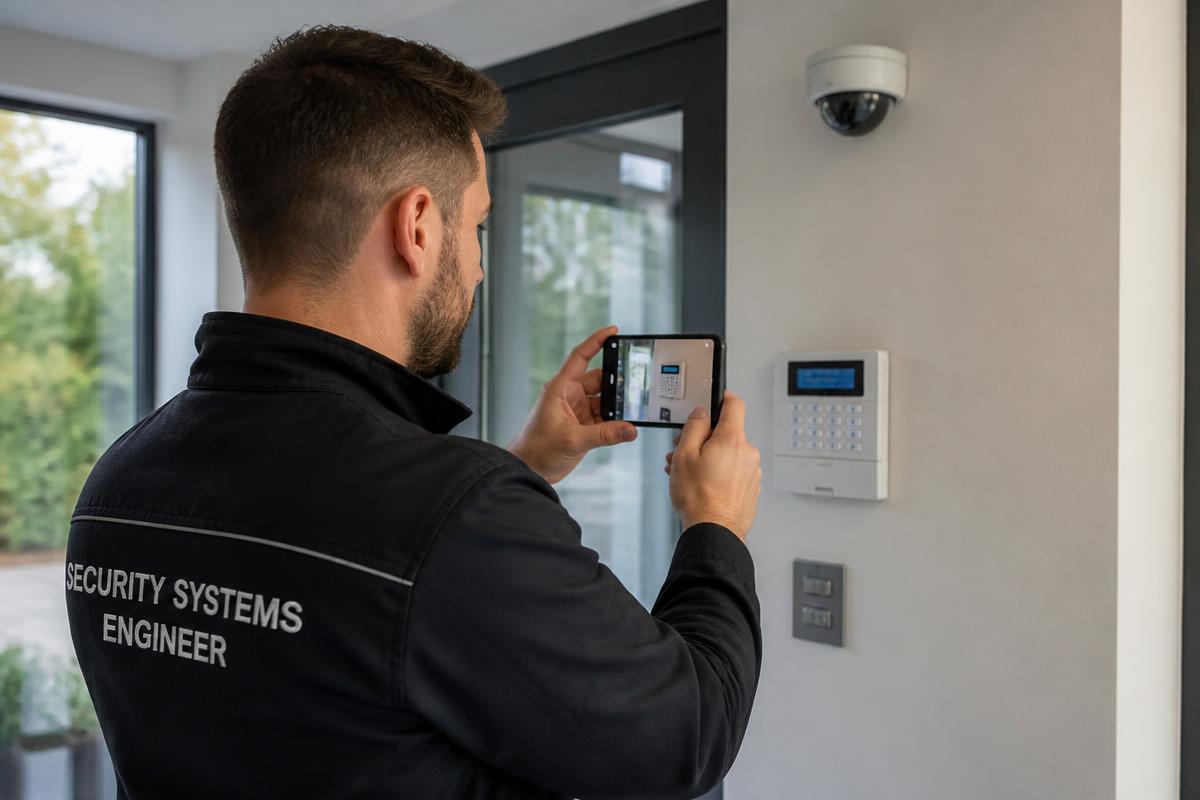
- Customer
- Northgate Retail Park
- Location
- Gate 2 — Dublin
- Asset
- Alarm panel + entrance camera
- Serial
- AP-77210
- Indicator
- Zone 4 fault on keypad
- Owner
- Security support desk
Recommended next action
Resolved remotely — zone 4 contact reset on site, no dispatch needed
Service case #5168
Charge session stops at 3 minutes
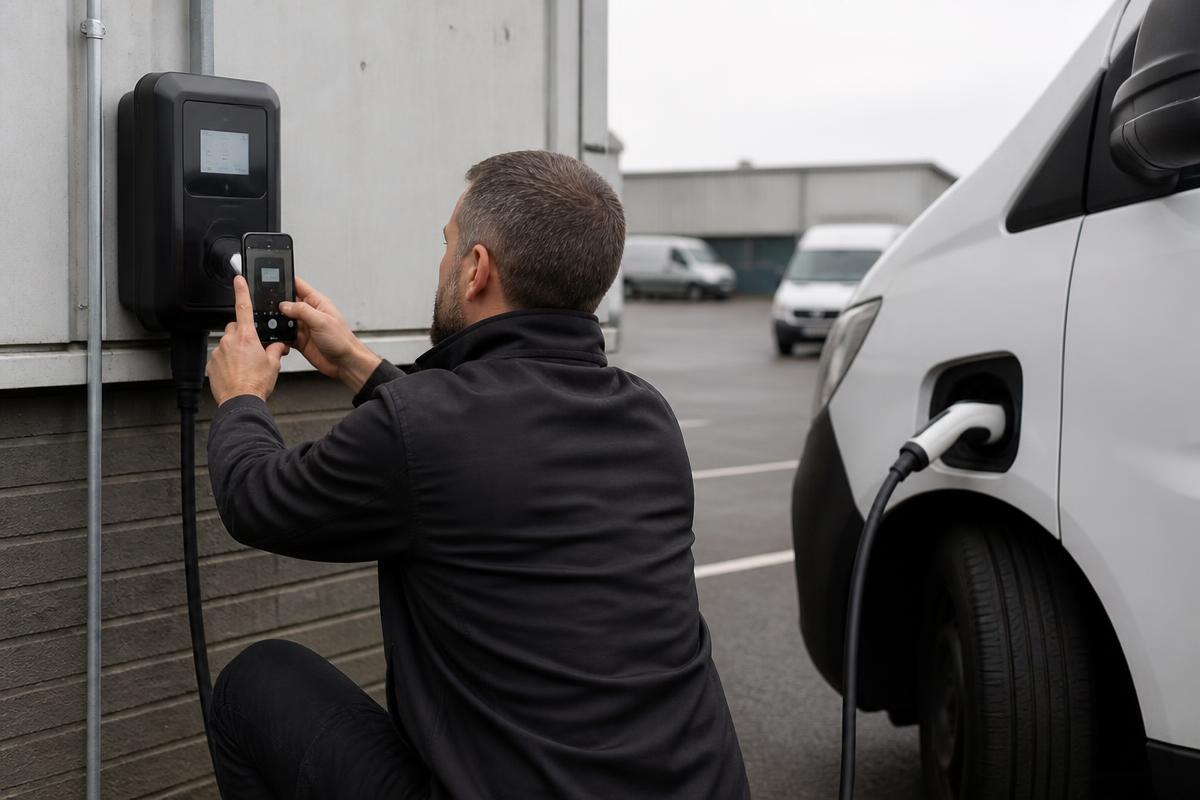
- Customer
- City Fleet Services
- Location
- Depot bay 7 — Antwerp
- Asset
- 22 kW AC charge point
- Serial
- EVC-40911
- Fault code
- E-021
- Owner
- Charging support desk
Recommended next action
Technician visit — bring RCD module and type 2 socket assembly
Service case #5183
Combi oven tripping the breaker on start-up
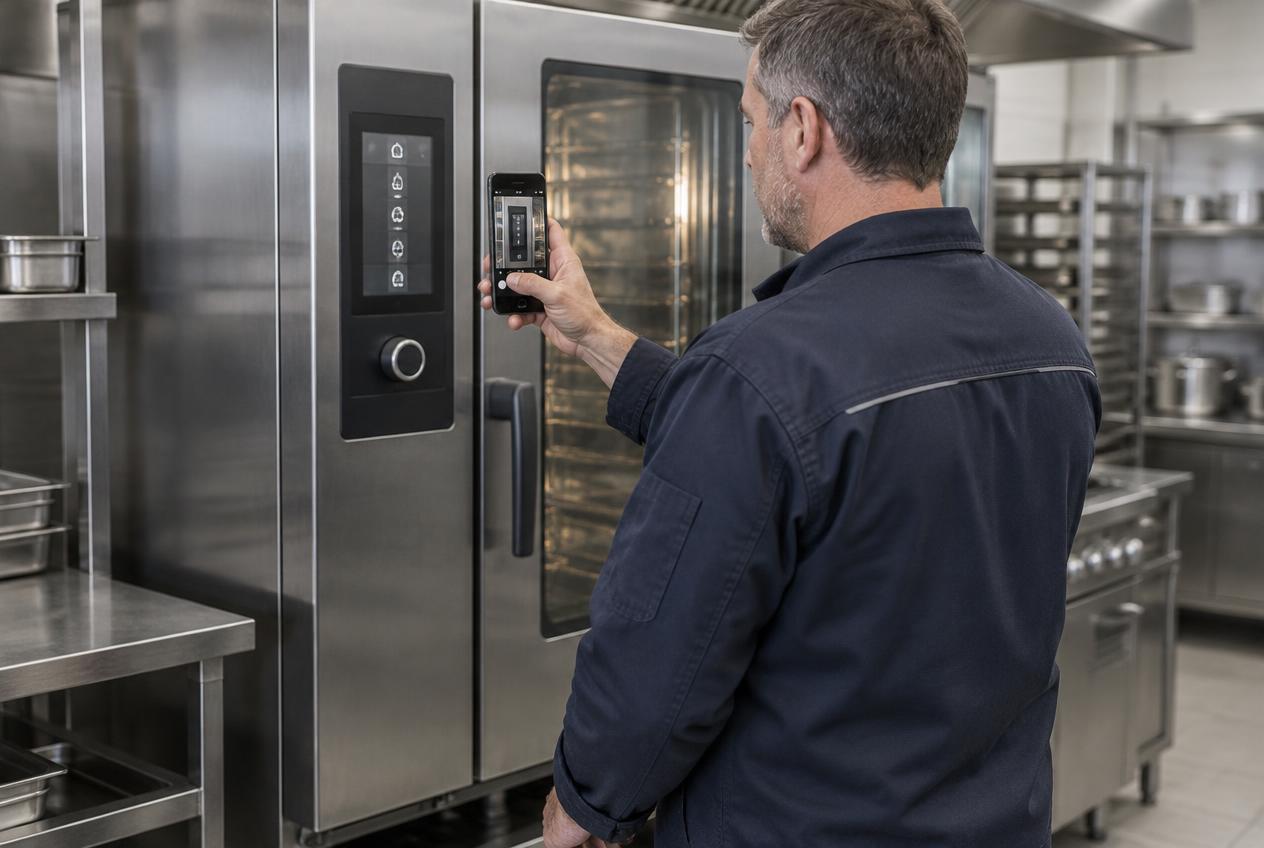
- Customer
- Meridian Foods
- Location
- Main kitchen — Waterford
- Asset
- Commercial combi oven
- Serial
- OV-20884
- Fault code
- AL-07
- Owner
- Equipment service desk
Recommended next action
Right technician assigned — heating element and contactor pre-ordered
Service case #5204
Water running behind the kitchen unit
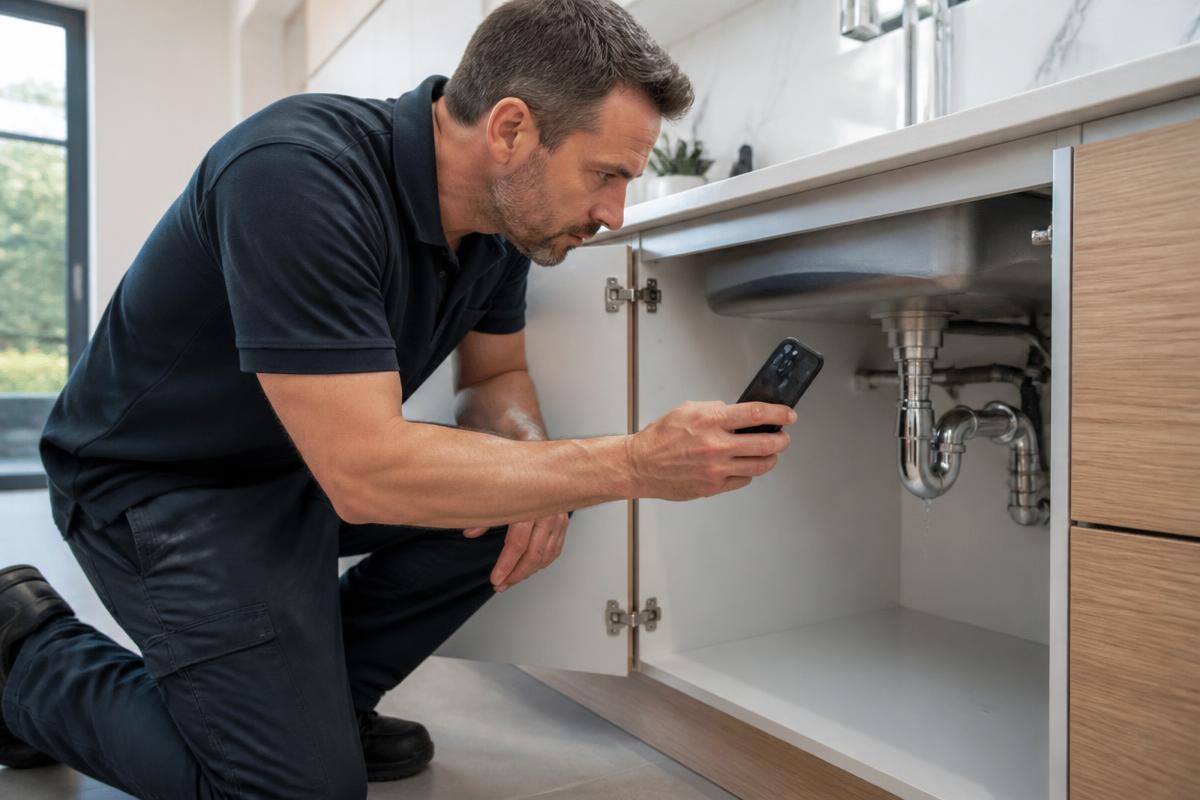
- Customer
- Ellen Doyle
- Location
- 14 Mill Lane — Cork
- Asset
- Kitchen waste and supply pipework
- Isolation
- Stopcock located under sink
- Reported
- Since yesterday evening
- Owner
- Service desk
Recommended next action
Engineer dispatched same day — bring compression fittings and flexible tails
Service case #5231
Water surfacing beside the footpath meter chamber
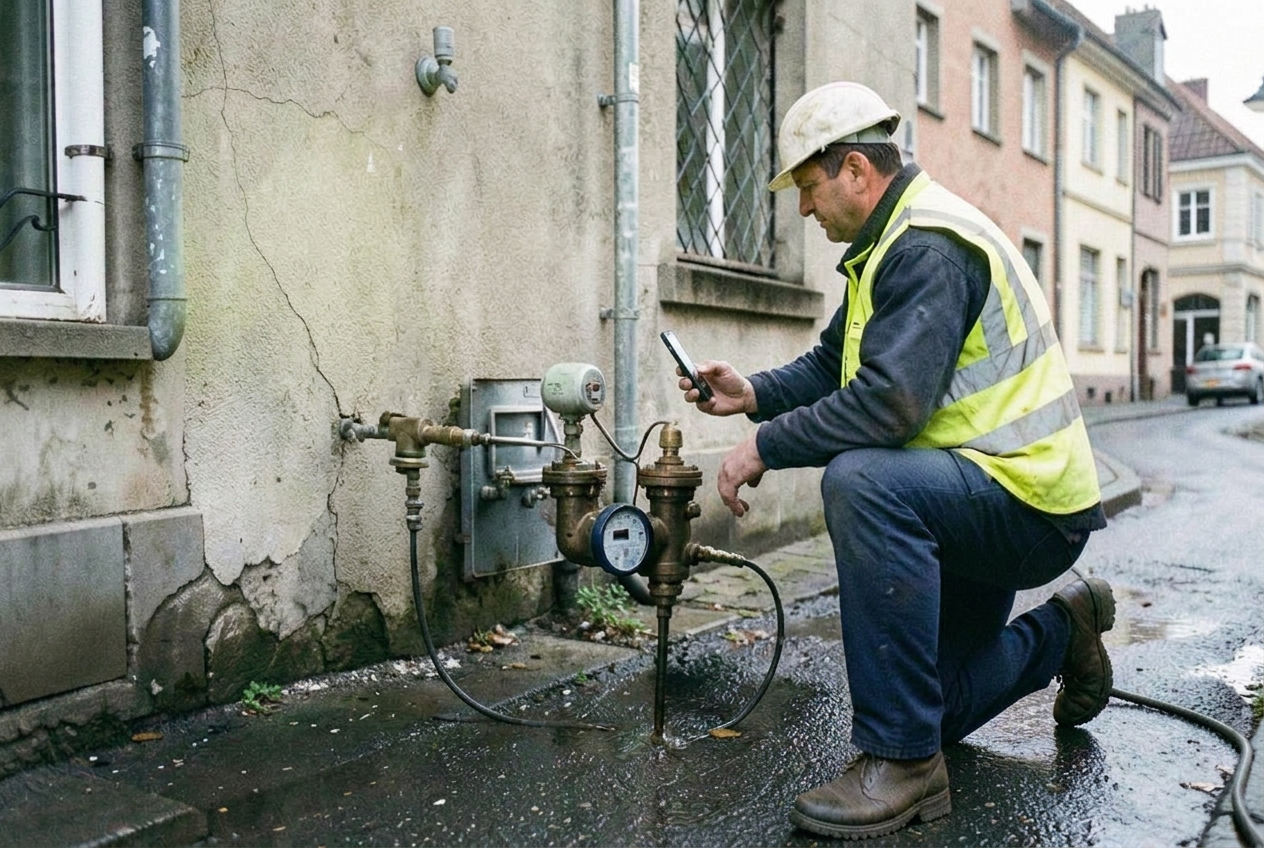
- Reported by
- Site contractor
- Location
- Bridge Street — Galway
- Asset
- Meter chamber and service connection
- Reference
- MC-11820
- Access
- Footpath, traffic management needed
- Owner
- Network control
Recommended next action
Category confirmed — crew scheduled with traffic management and repair collar
Service case #5257
Damp patch spreading on bedroom wall
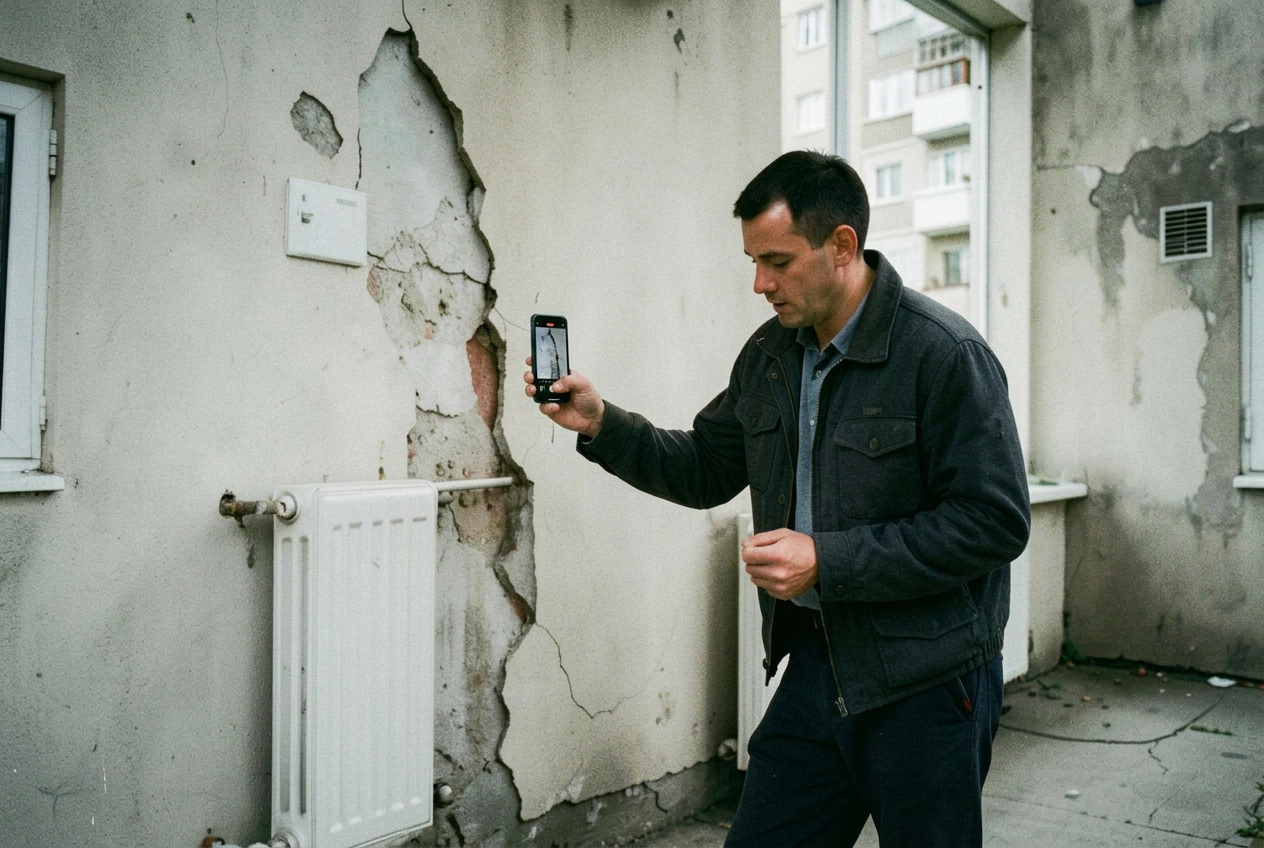
- Tenant
- Apartment 2C
- Location
- Riverside Court — Limerick
- Asset
- External wall, first floor
- Reported
- Worse after rainfall
- History
- Second report this year
- Owner
- Repairs coordinator
Recommended next action
Assigned to roofing trade first — no plumbing visit booked
Service case #5279
Warning light and rattle under load

- Customer
- Fleet account — Voss Transport
- Location
- Service reception — Utrecht
- Asset
- Light commercial van
- Identification
- VIN captured on video
- Indicator
- Engine warning lamp on
- Owner
- Service advisor
Recommended next action
Diagnosis slot booked — exhaust heat shield and sensor quoted in advance
Service case #5298
Vibration reported in nacelle during operation
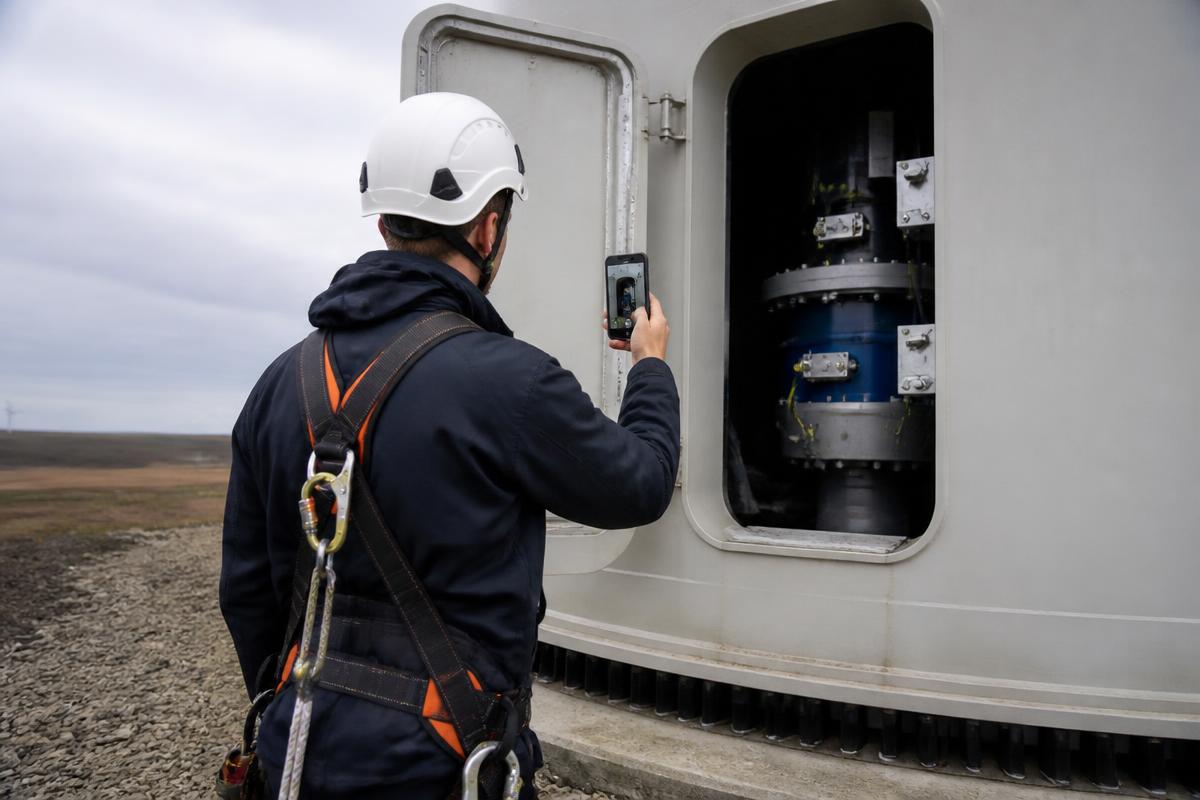
- Operator
- Northsea Renewables
- Location
- Turbine 7 — coastal site
- Asset
- Nacelle drive train
- Serial
- WT-6042
- Indicator
- Vibration alarm logged
- Owner
- Technical support
Recommended next action
Specialist review before climb — lifting plan and spare coupling prepared
How the service team uses it
- Receive the same evidence every time
- Compare cases against a consistent standard
- Reduce call-backs for missing information
- Hand a complete case to the reviewing engineer
Operational outcomes
- Complete cases on first submission
- Less time chasing information
- Consistent evidence quality
- Faster triage decisions
Outcomes depend on your own service operation. We do not publish savings percentages that have not been measured with you.
Two directions of video
Before dispatch, and from the field.
The same structured approach is used in both directions, with different capture steps.
01 Customer or site → Service team
- Service request received
- Guided video link sent
- Customer or site contact records
- Service team reviews
- Resolve remotely or dispatch correctly
02 Field technician → Head office
- Technician opens the job
- Guided capture on site
- Checklist and readings
- Before and after evidence
- Completion record reviewed centrally
Related
Continue reading
- A structured service case, not a video upload
Video, photos, equipment identification, fault codes, answers and checklist responses arrive together as one structured service case your team can review and act on.
- Checklists and structured questions alongside the video
Ask the questions your engineers would ask, and require the checks that matter, at the moment of capture — answers stay attached to the video evidence.
- Customer video intake without an app or account
Customers submit guided video, photos and answers through a simple link. No app, no account, no live video call.
- Pre-dispatch triage with guided video
Triage service requests on what the customer can show, not what they can describe. Guided video before dispatch across field service, equipment and technical support.
Discuss your service workflow with us.
In 30 minutes we look at how requests arrive, how they are triaged and how work is documented today — and where guided video would fit.
Prefer to try the capture workflow yourself first? Start a free account